10.3.1 Sharing Designs within a Group - What is a Group?
In the following sections, we will explore what a group is in the Learning Design Studio (LDS) and how it can help you collaborate with your team.

A group in the LDS allows you to invite your team or organization to collaborate together. You can share learning designs with group members and co-design collaboratively.
1. Feed
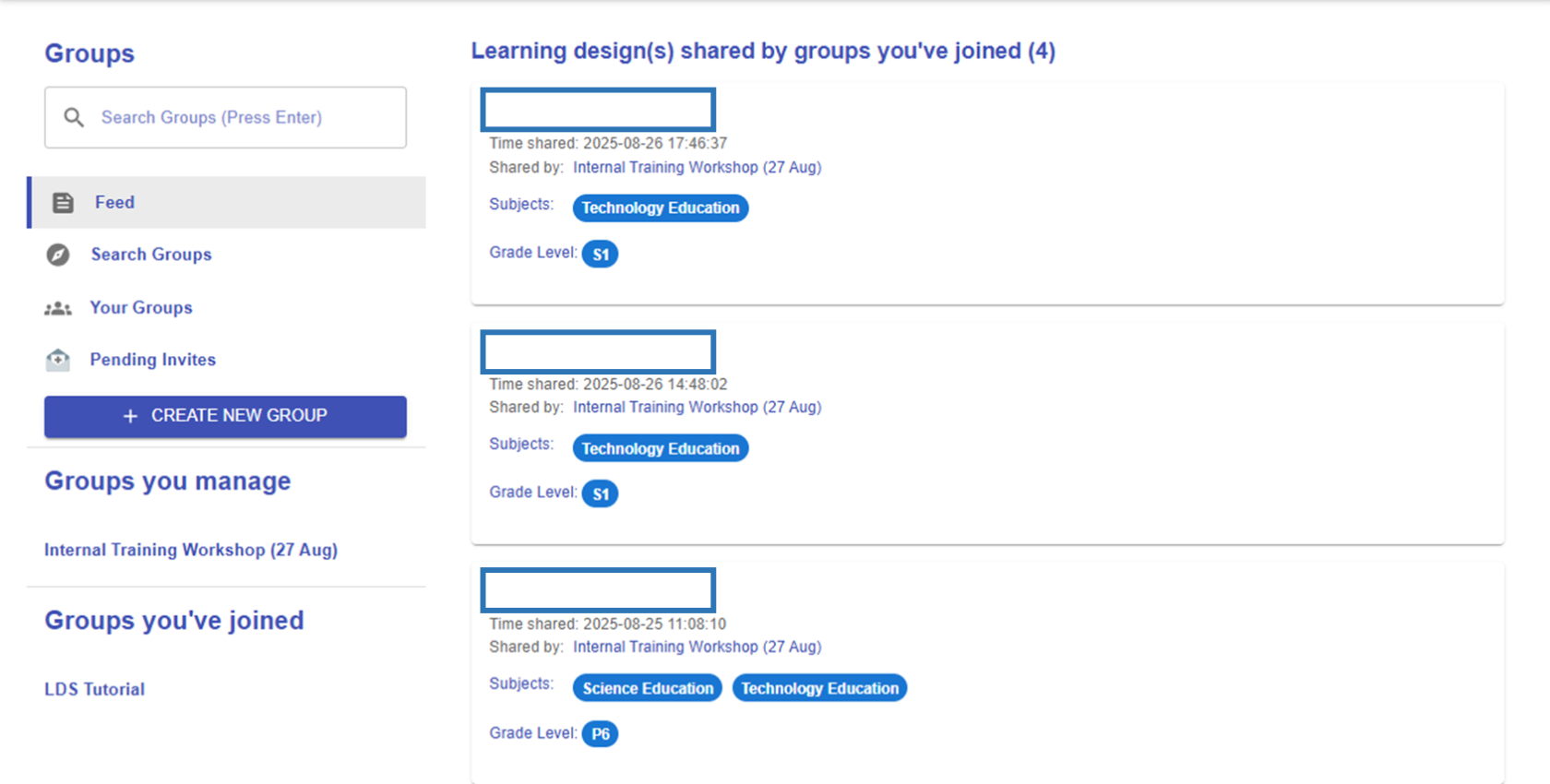
Figure 10.8: The Feed
The feed, similar to social media, shows the most recently shared designs from your groups.
2. Search Groups
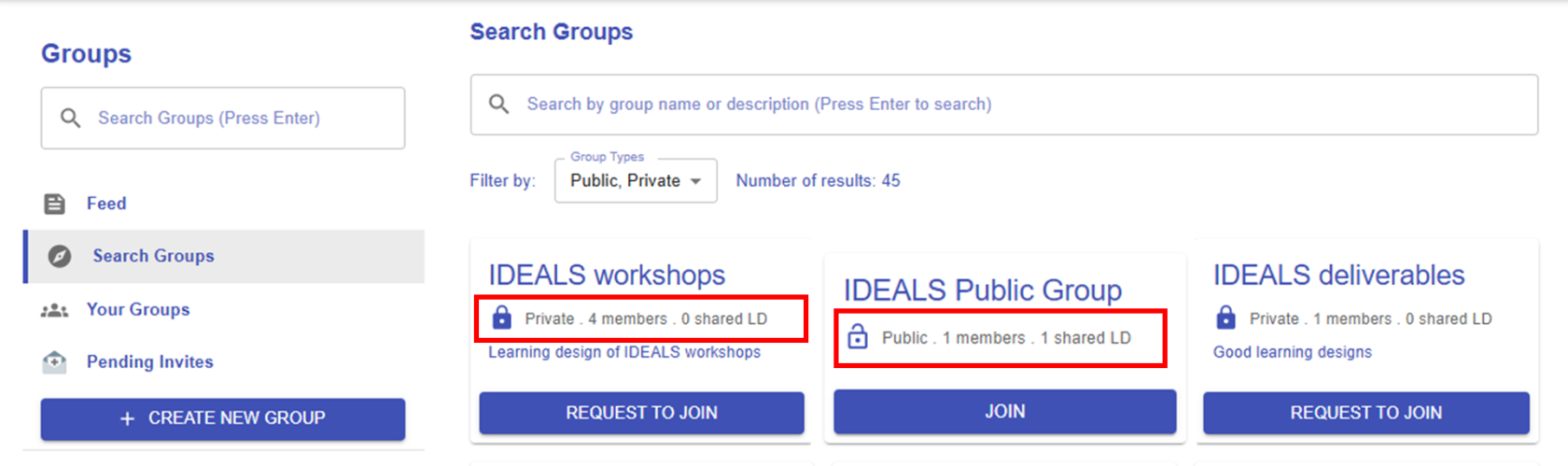 Figure 10.9: The Search Function
There are two types of groups: public and private. You can join a public group at any time, while private groups require you to send a request. As school-based groups are usually private, you can simply search for your school’s name to request to join.
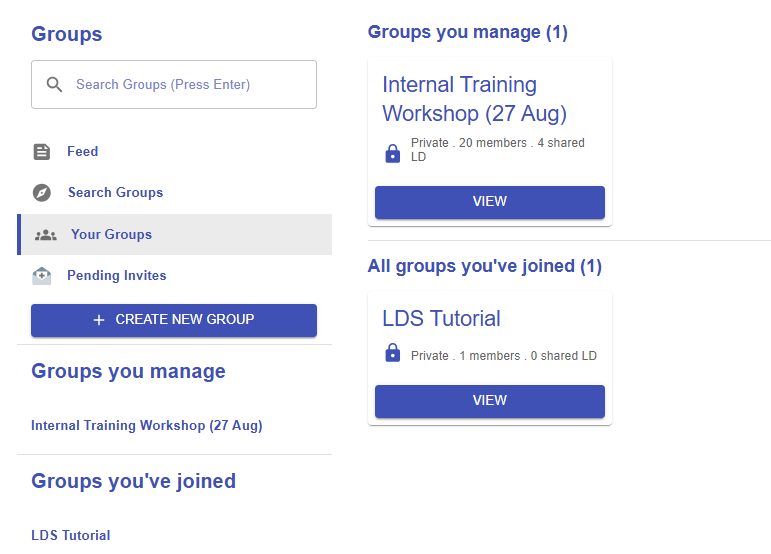
3. Your Groups
|
Figure 10.10: Your Groups List |
Groups you manage
All groups you've joined
|
4. Pending Invites
|
Figure 10.11: Group Invitation |
|
|
Figure 10.12: Invitation Notification |
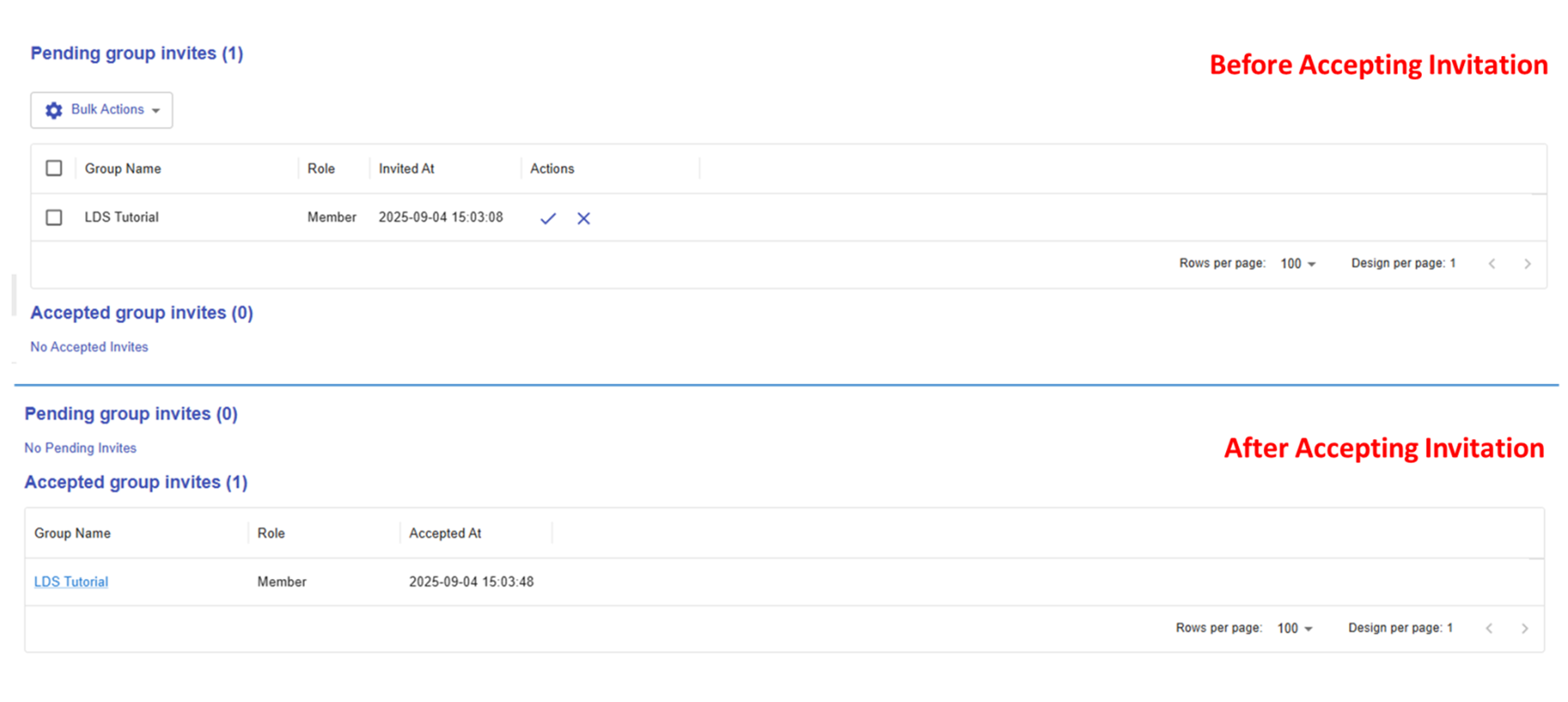
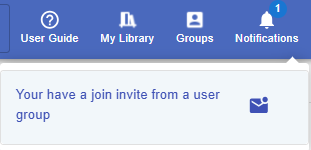
If you receive a group invitation, you will get a notification from the system. By clicking on it, you will be redirected to the Pending Invites section shown in Figure 9.10 above. You can either accept or decline the invitation. After accepting, the invitation will move from "Pending Group Invites" to "Accepted Group Invites." |