
2.2. Single-Sign-On to LDS
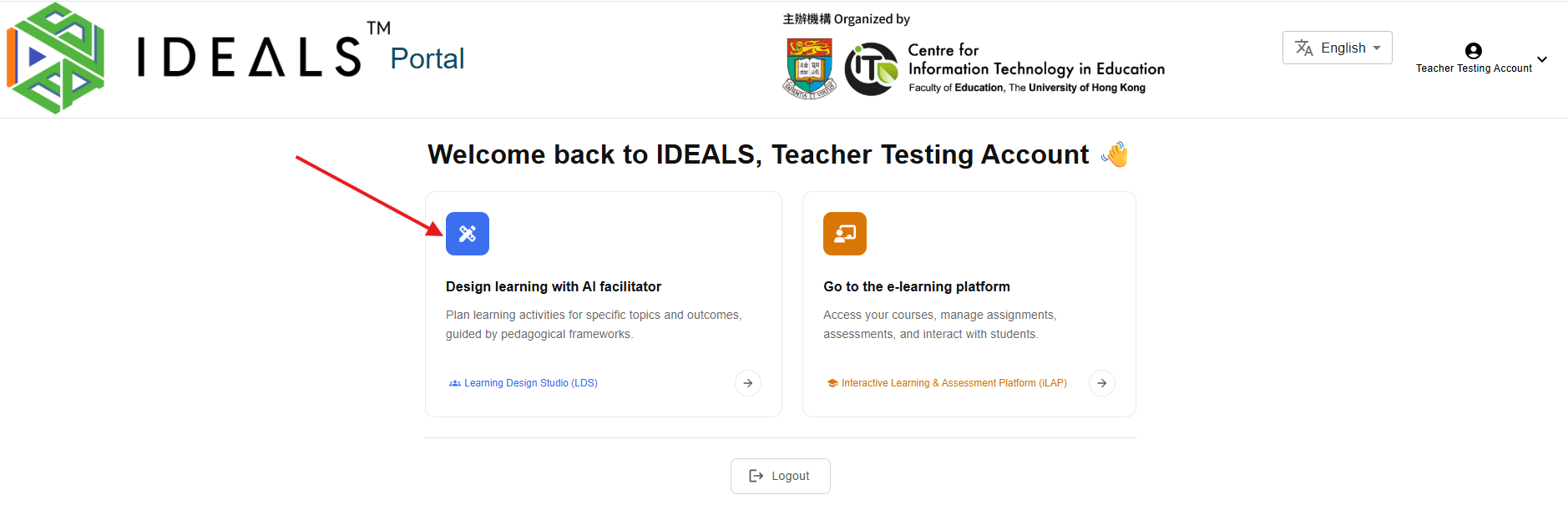
From the Gateway Page of the IDEALS Portal (https://ideals-portal.cite.hku.hk/gateway), click the card "Design learning with AI faciliator".
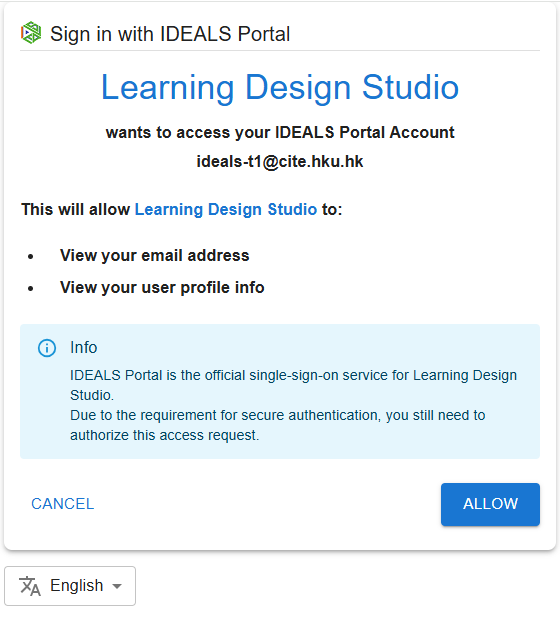
The portal will prompt you to authorize LDS to access your account. Click "ALLOW" to proceed. This is a standard security measure, even though LDS is a trusted system.
You will then be redirected to LDS and logged in automatically, without needing to enter your credentials again.

Your next step may be to read the Learning Design Studio User Guide (final link will be provided soon).