5.2.2 Disciplinary Practice (DP)
🌟 For guidance on choosing disciplinary practice, refer to Chapter 2.3 - Disciplinary Practice (DP)
Adding a New DP
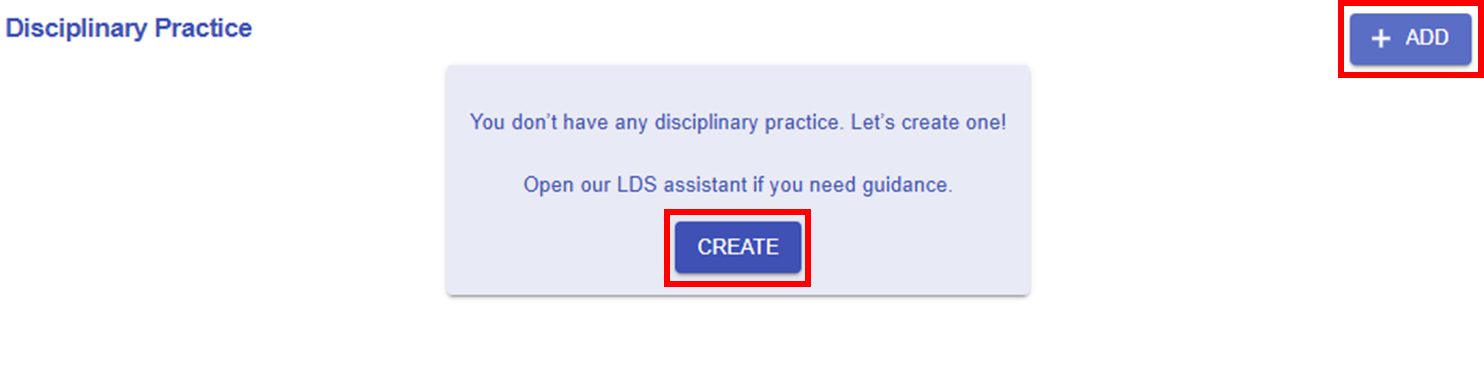
Figure 5.17: Adding a New DP
If you have not added any DP before, you can click the or
or  button to add a new DP. However, completing a DP from scratch can be challenging. Please read the introduction below for guidance on completing the DP section.
|
1. LDS Facilitator
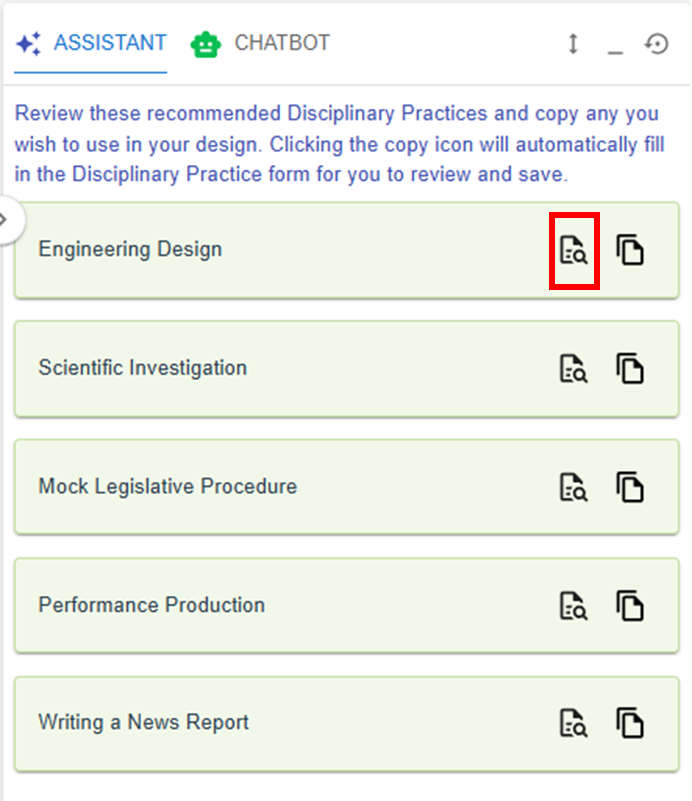
- In general, we highly recommend starting with the LDS Facilitator. You can use the DP Patterns we have designed for you to copy and use in your own design.
|
|
|
| Figure 5.18: The DP Patterns in the LDS Facilitator |
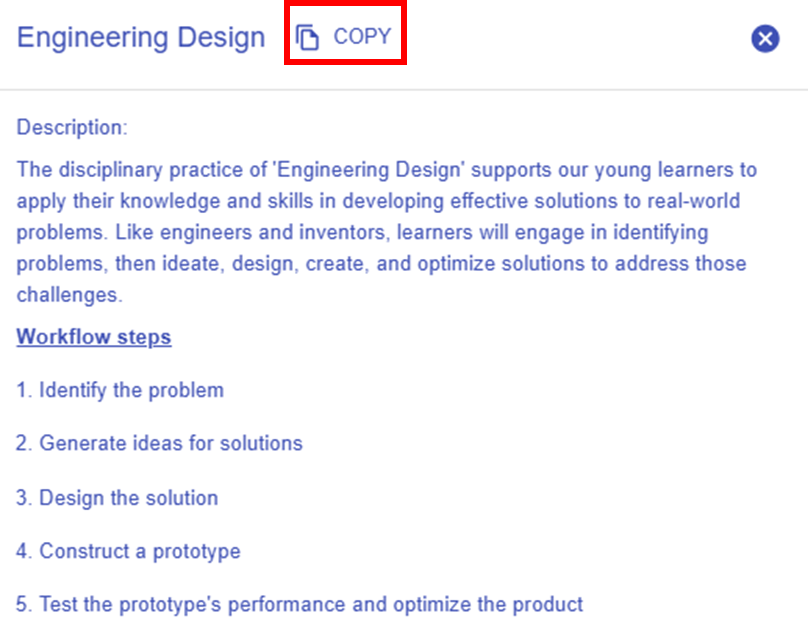
Figure 5.19: Details of the Targeted DP Pattern |
- By clicking the
 button, you can explore the details of the targeted DP pattern. button, you can explore the details of the targeted DP pattern.
- You can use the targeted DP pattern directly by clicking "COPY" in the new pop-up window, or by clicking the
 button in the LDS Facilitator. The DP pattern details will be automatically appear in the LDS. button in the LDS Facilitator. The DP pattern details will be automatically appear in the LDS.
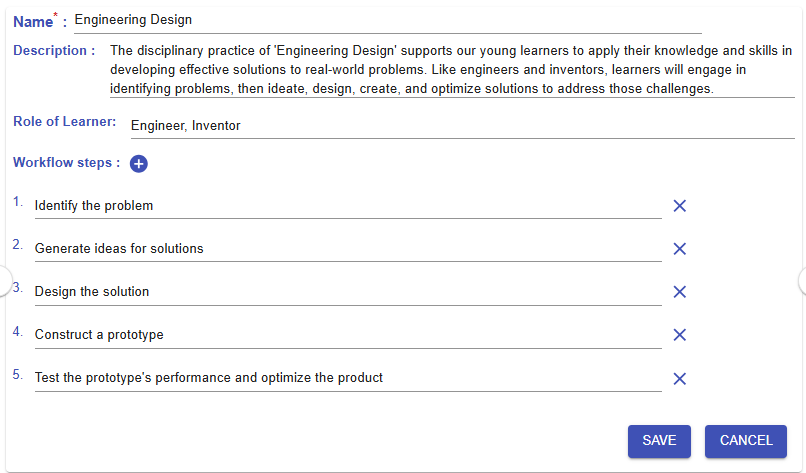
Figure 5.20: An Example of a Completed DP
|
|
2. Information Window
|
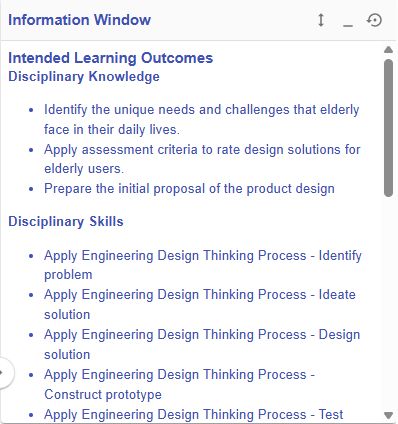
Figure 5.21: Information Window
|
- As you have completed the Intended Learning Outcomes section, you may refer to the information that has been entered in the Information Window.
|
|
