
3.4 Pattern Library
🌟 For guidance on using the Pattern Library, refer to Chapter 6 - Create a New Design from Patterns
To better support creating a learning design, the IDEALS team developed the Pattern Library, which provides pre-defined, hands-on resources for IDEALS users.
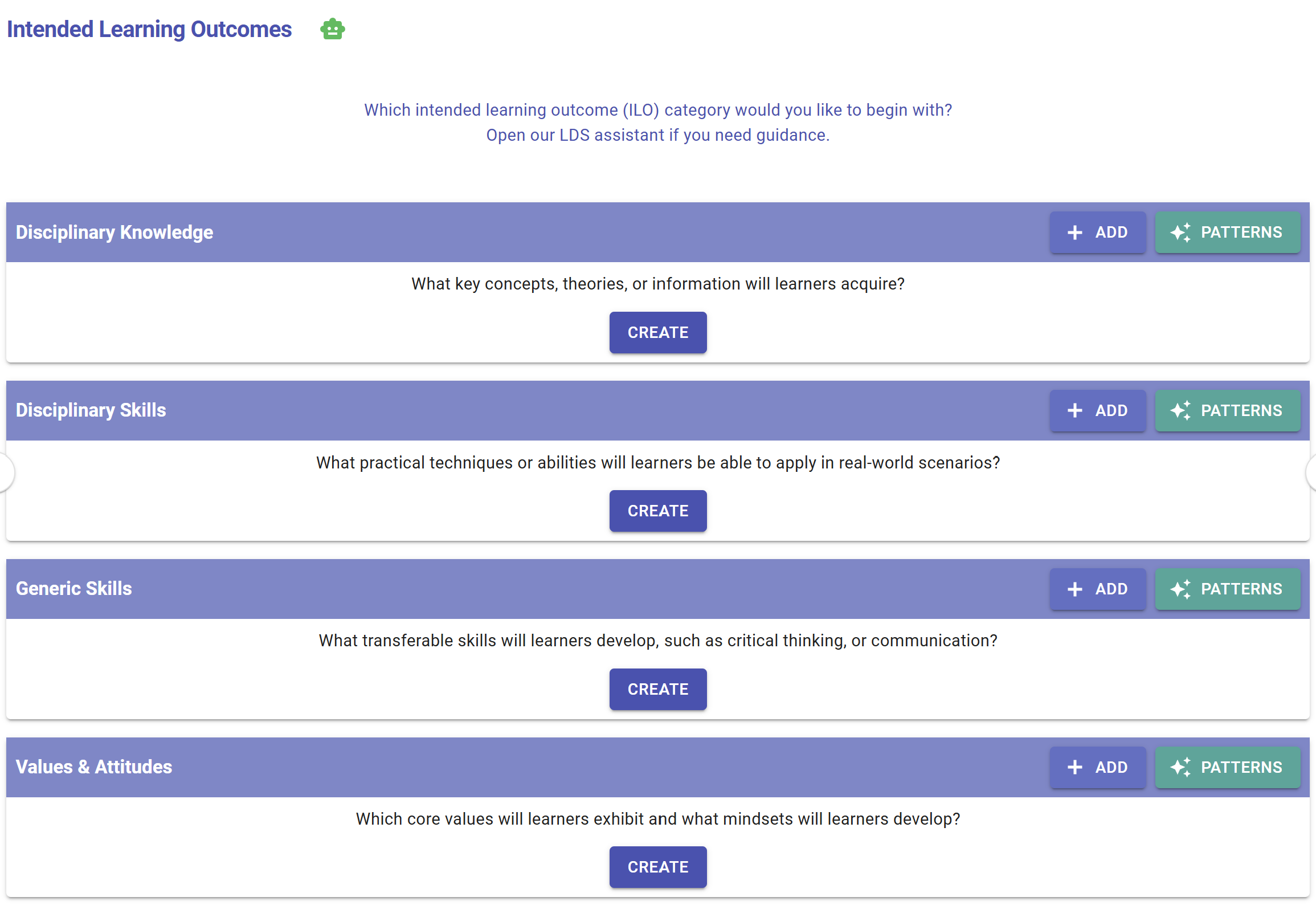
Figure 3.14: Patterns Button on the LDS Interface
Please be aware of this  button. When you see it, the Learning Design Facilitator (LDF) can offer patterns for you to use.
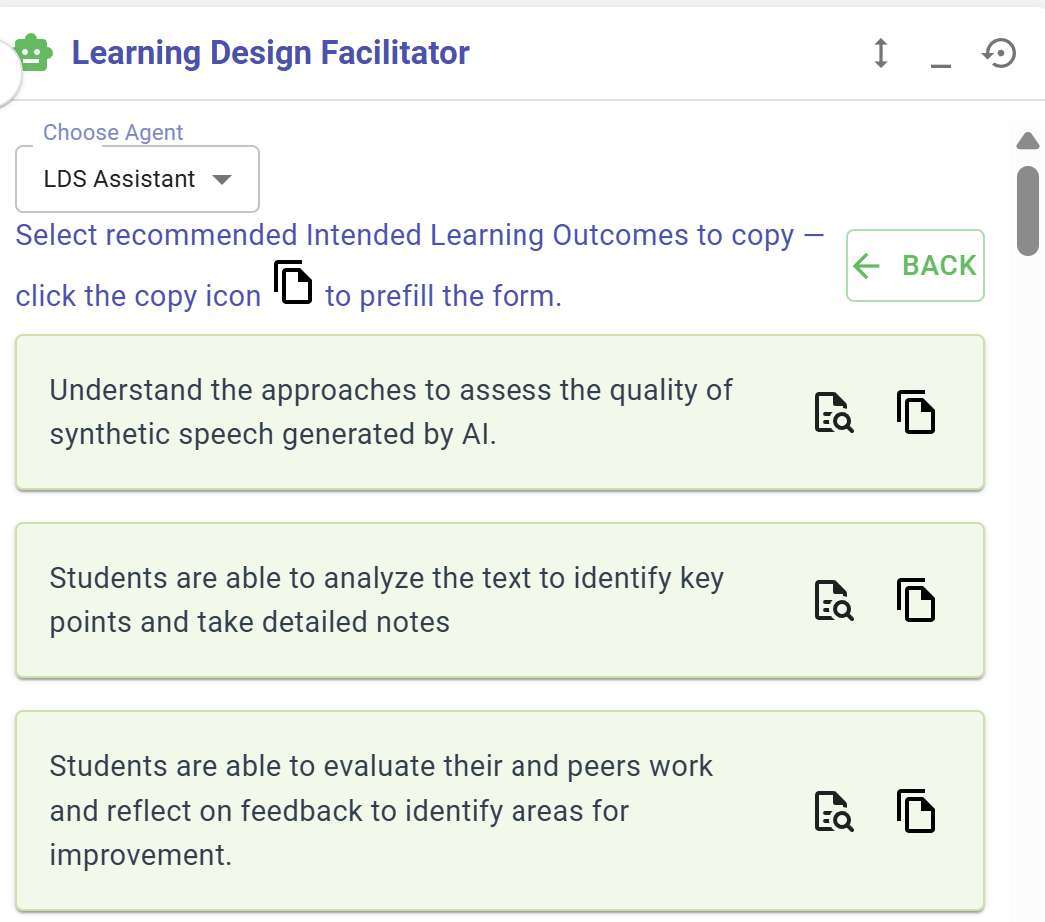
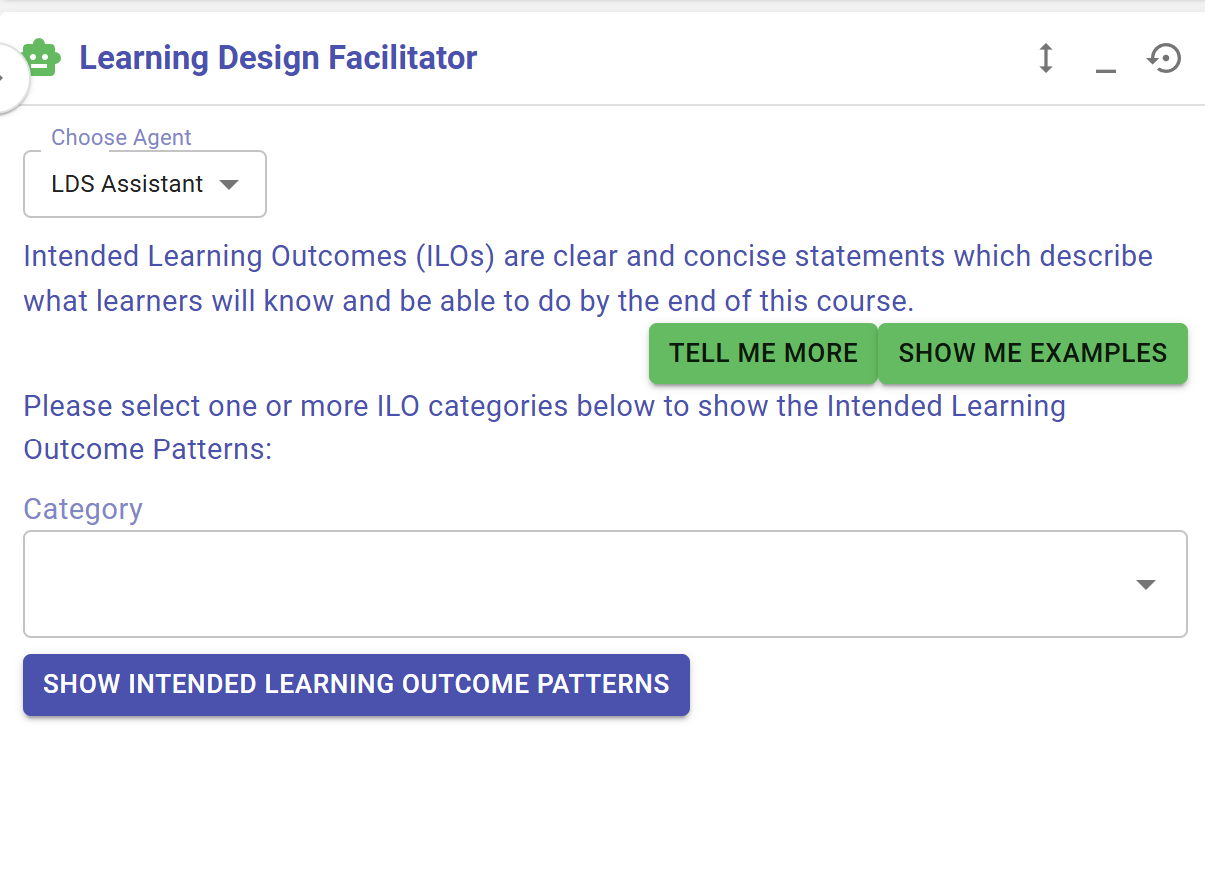
In addtion to the button, you can also access the Pattern Library actively by selecting the "LDS Assistant" agent in the Learning Design Facilitator.
1. Course-level Patterns
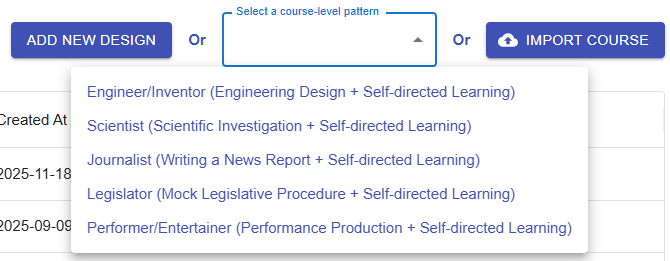
Figure 3.8:16: Course-level Patterns
The LDS provides course-level patterns that offer most of the information needed to complete the learning design for a specific topic, such as engineering design. Each course-level pattern includes intended learning outcomes, a disciplinary practice and a pedagogical approach, a curriculum component sequence, and learning tasks.
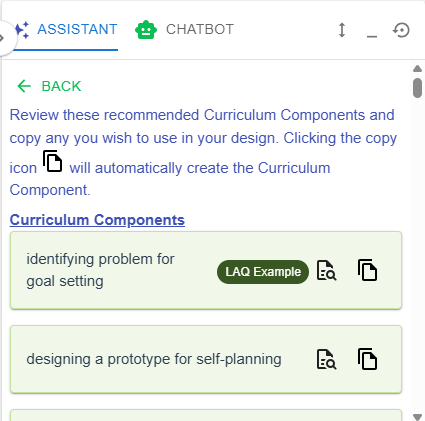
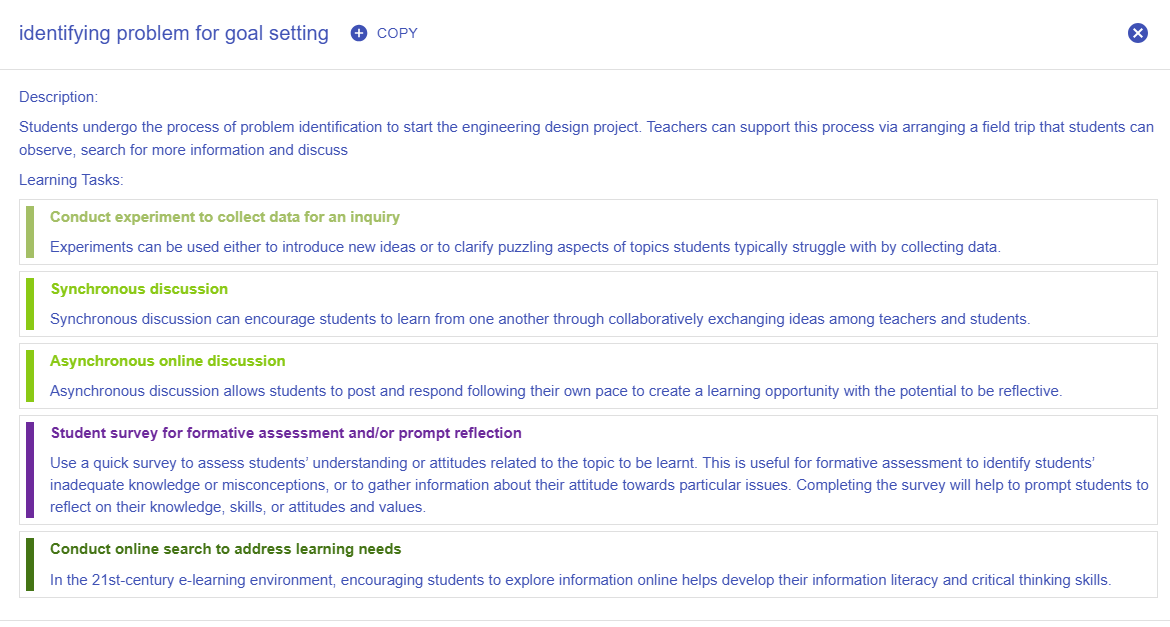
2. Curriculum Component Patterns
 |
|
| Figure 3. |
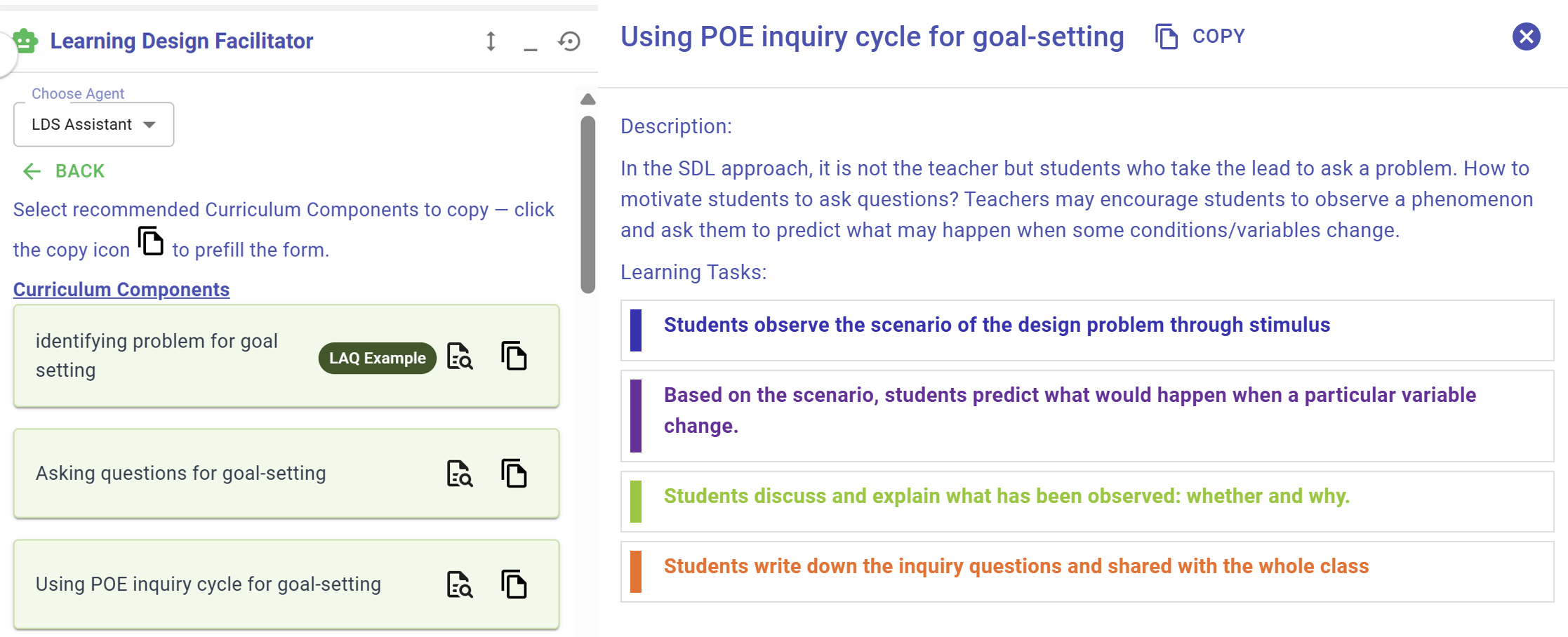
The LDS provides curriculum component patterns. Each pattern recommends a sequence of tasks for a specific phase of learning, designed to scaffold student learning.
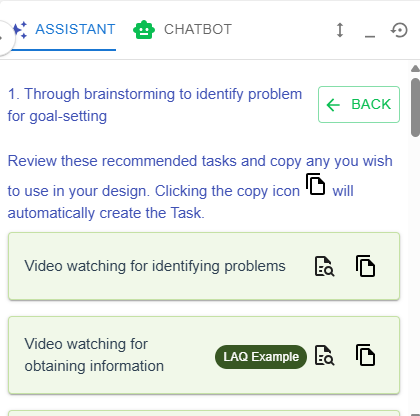
3. Task Patterns
 |
|
| Figure 3. |
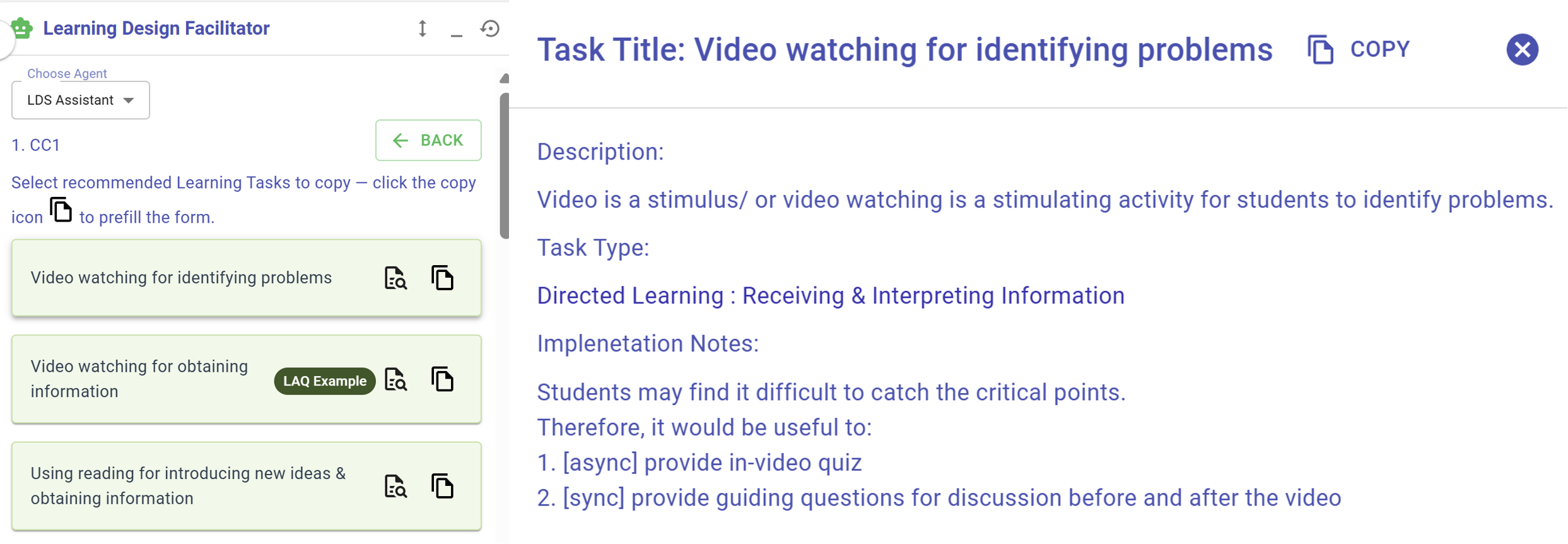
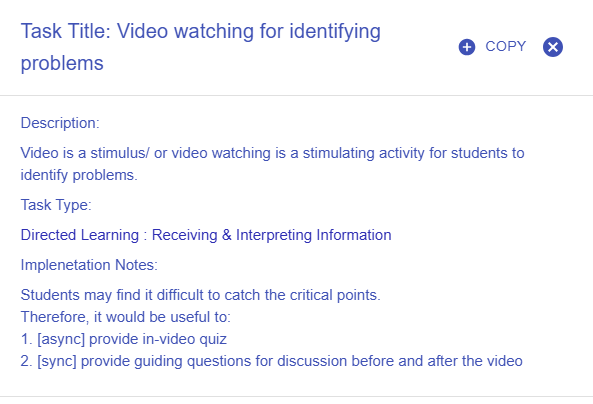
The LDS provides task patterns. Each pattern specify the details of each task—such as task type, delivery mode, e-learning tool, and learning resources.
4. Intended Learning Outcomes (ILOs) Patterns
 |
|
| Figure 3. |
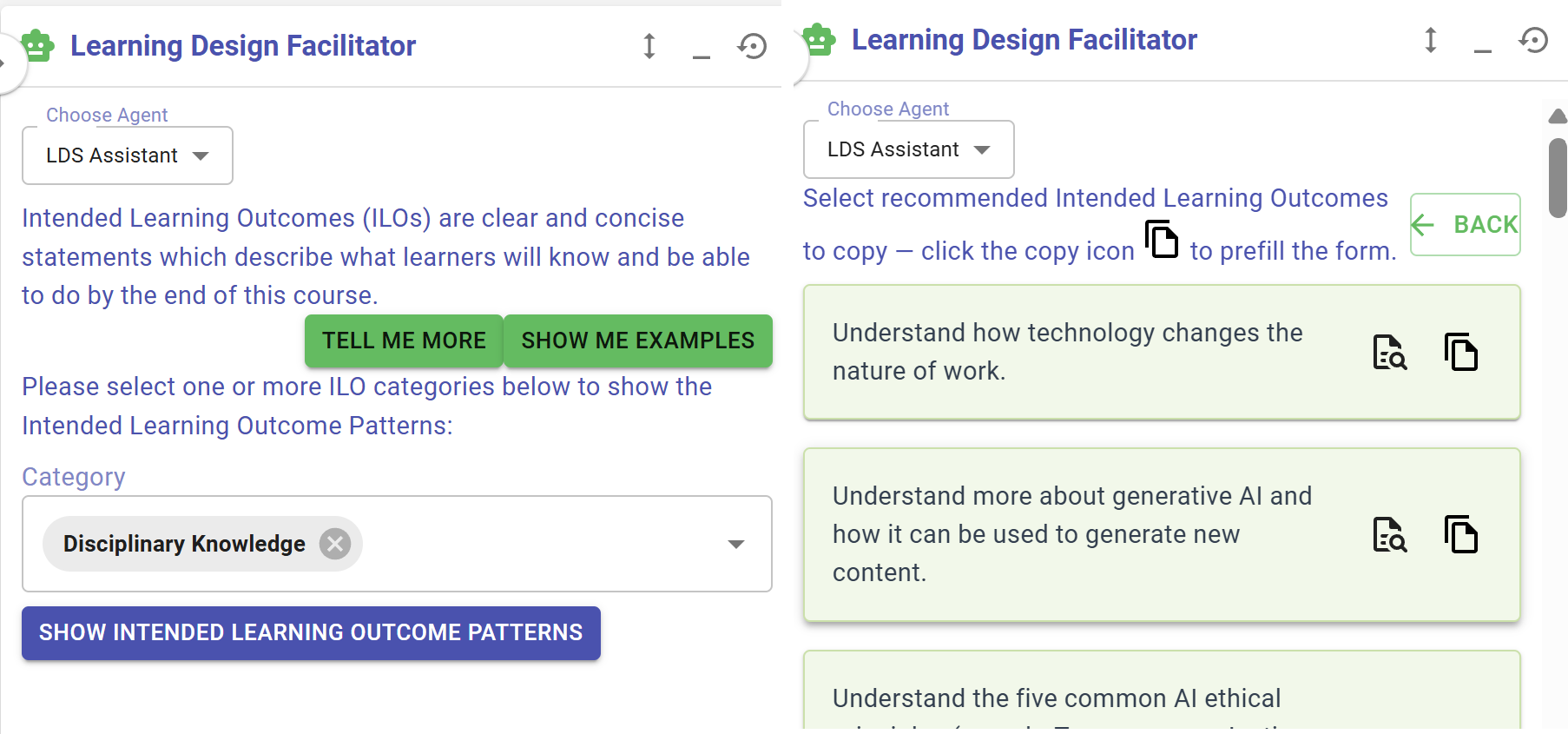
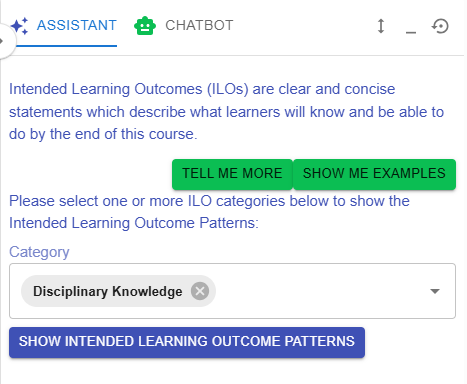
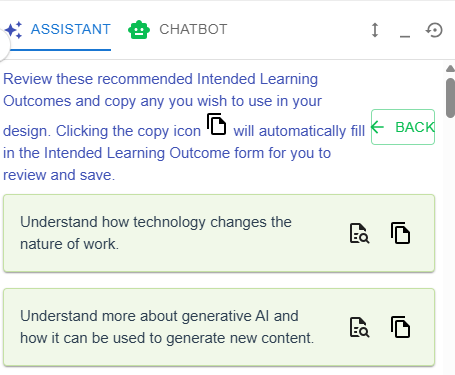
The LDS provides intended learning outcome patterns for all four categories of ILOs across different subjects.
5. Disciplinary Practice (DP) Patterns
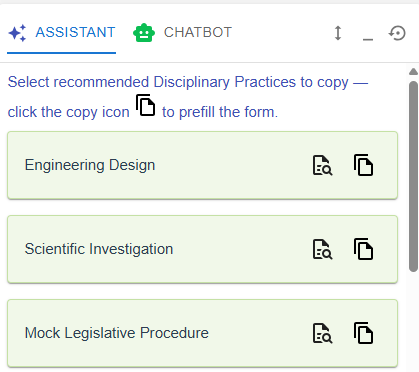
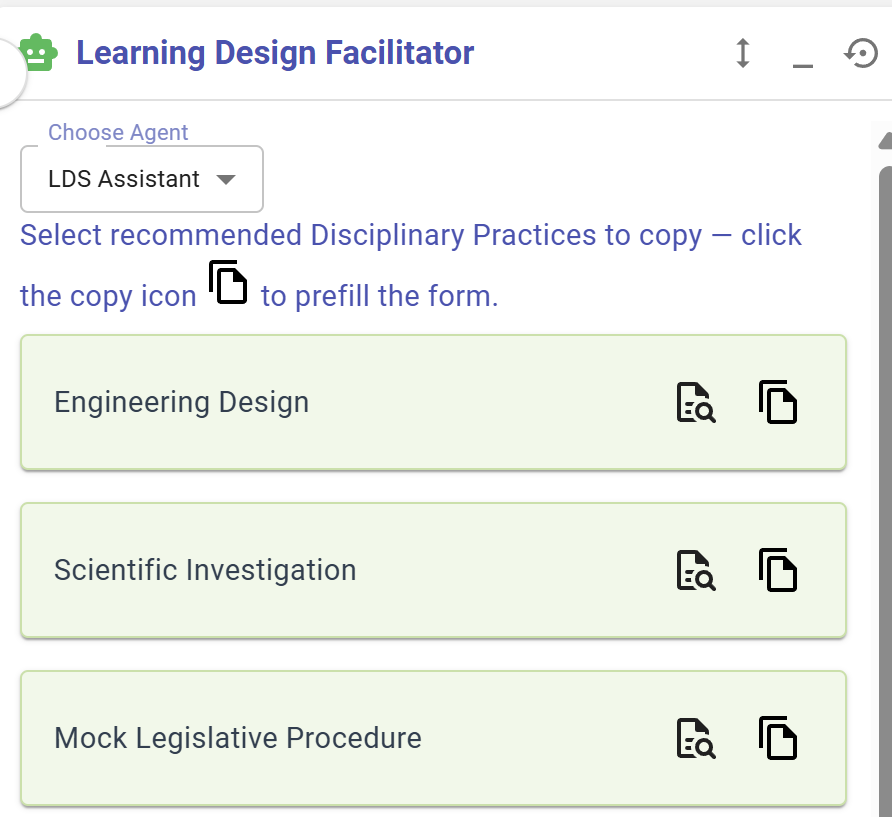
Figure 3.12:20: Disciplinary Practice Patterns
The LDS provides disciplinary practice patterns such as Engineering Design and Scientific Investigation.
6. Pedagogical Approach (PA) Patterns
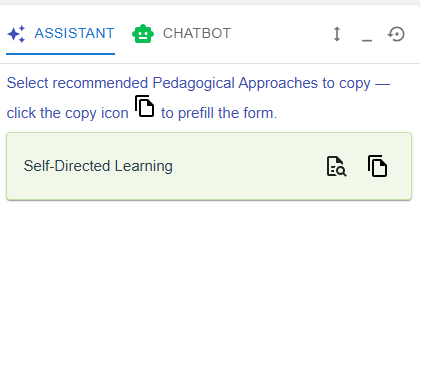
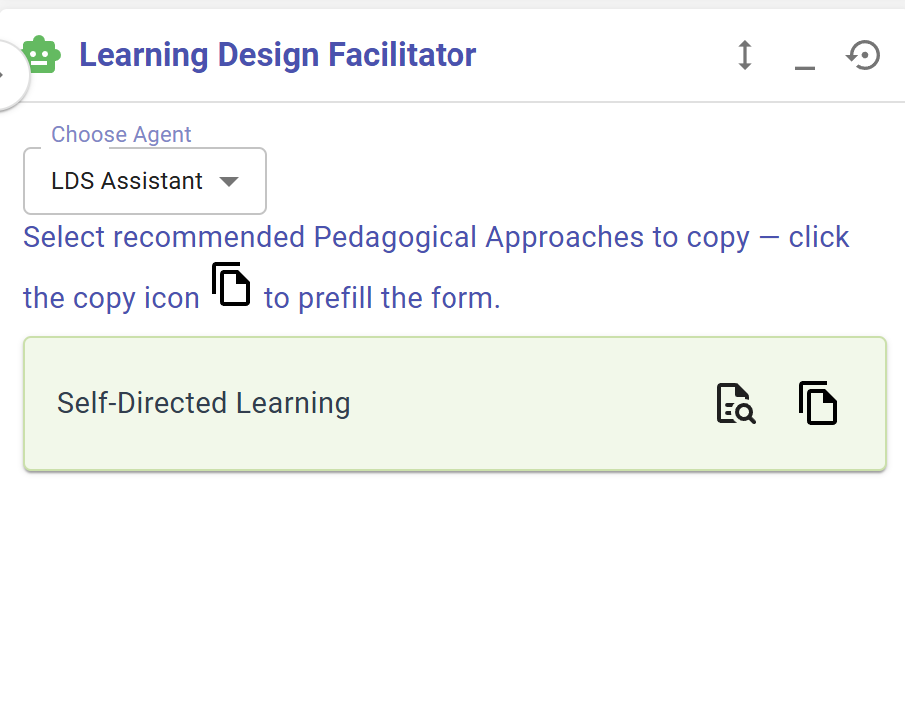
Figure 3.13:21: Pedagogical Approach Patterns
The LDS provides pedagogical approach patterns such as Self-directed Learning.