
3.3 Learning Design Facilitator (LDF)
What is Learning Design Facilitator (LDF)?
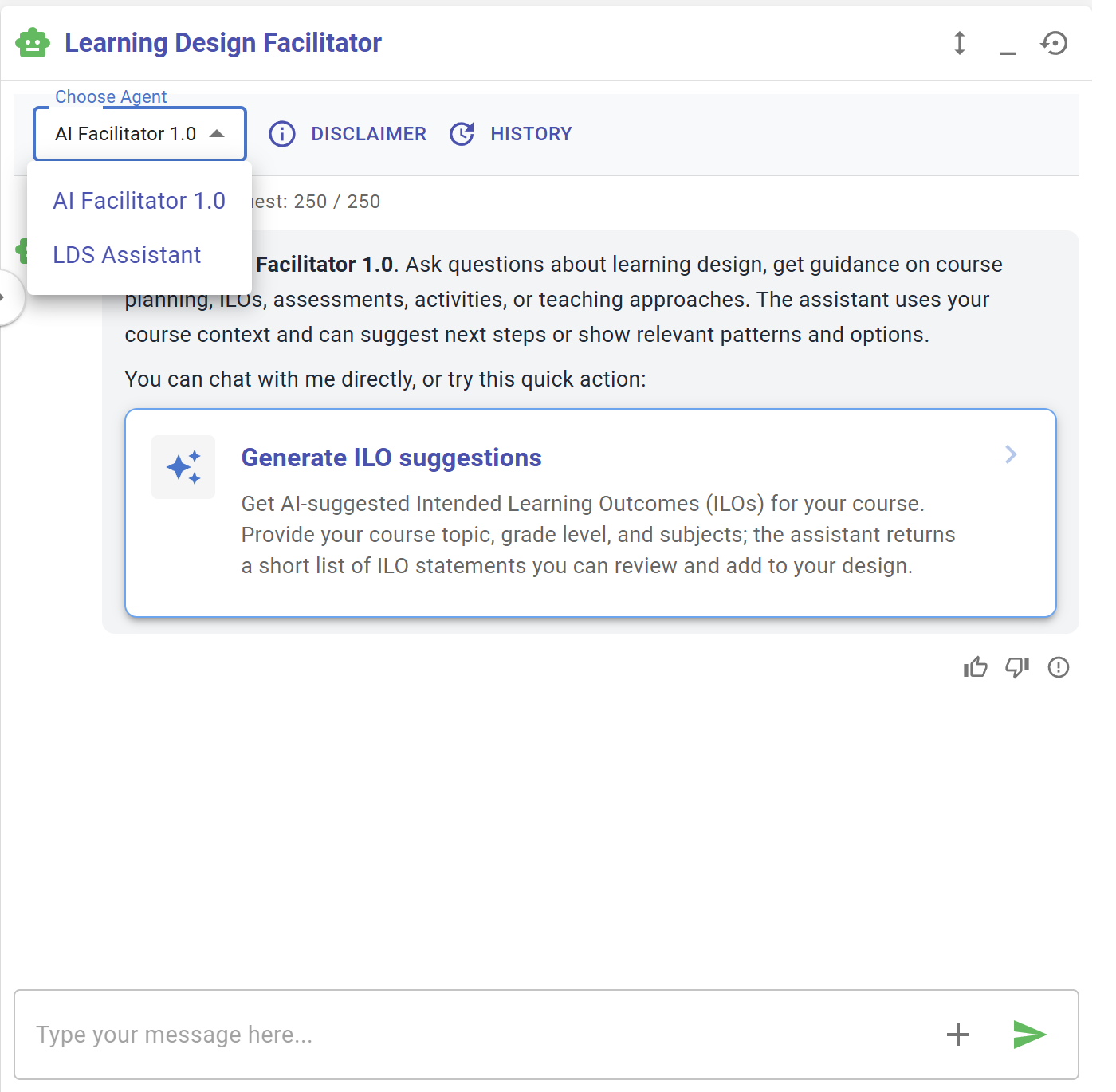
To help you create your learning design, the IDEALS team has developed the Learning Design Facilitator (LDF), which includes different agents to answer your questions, provide suggestions, and support you throughout the entire learning design process. Currently, we have both the AI Facilitator and the LDS Assistant available.
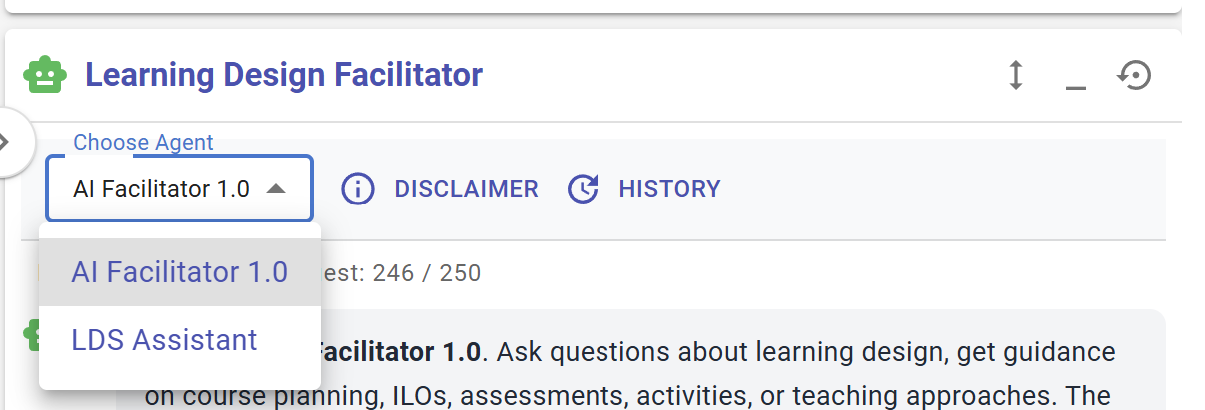
Figure 3.x: Interface of Learning Design Facilitator (1)
You can switch the LDF between two agents in the "Choose Agent" menu.
|
|
|
| Figure 3.x: Interface of AI Facilitator | Figure 3.x: Interface of LDS Assistant |
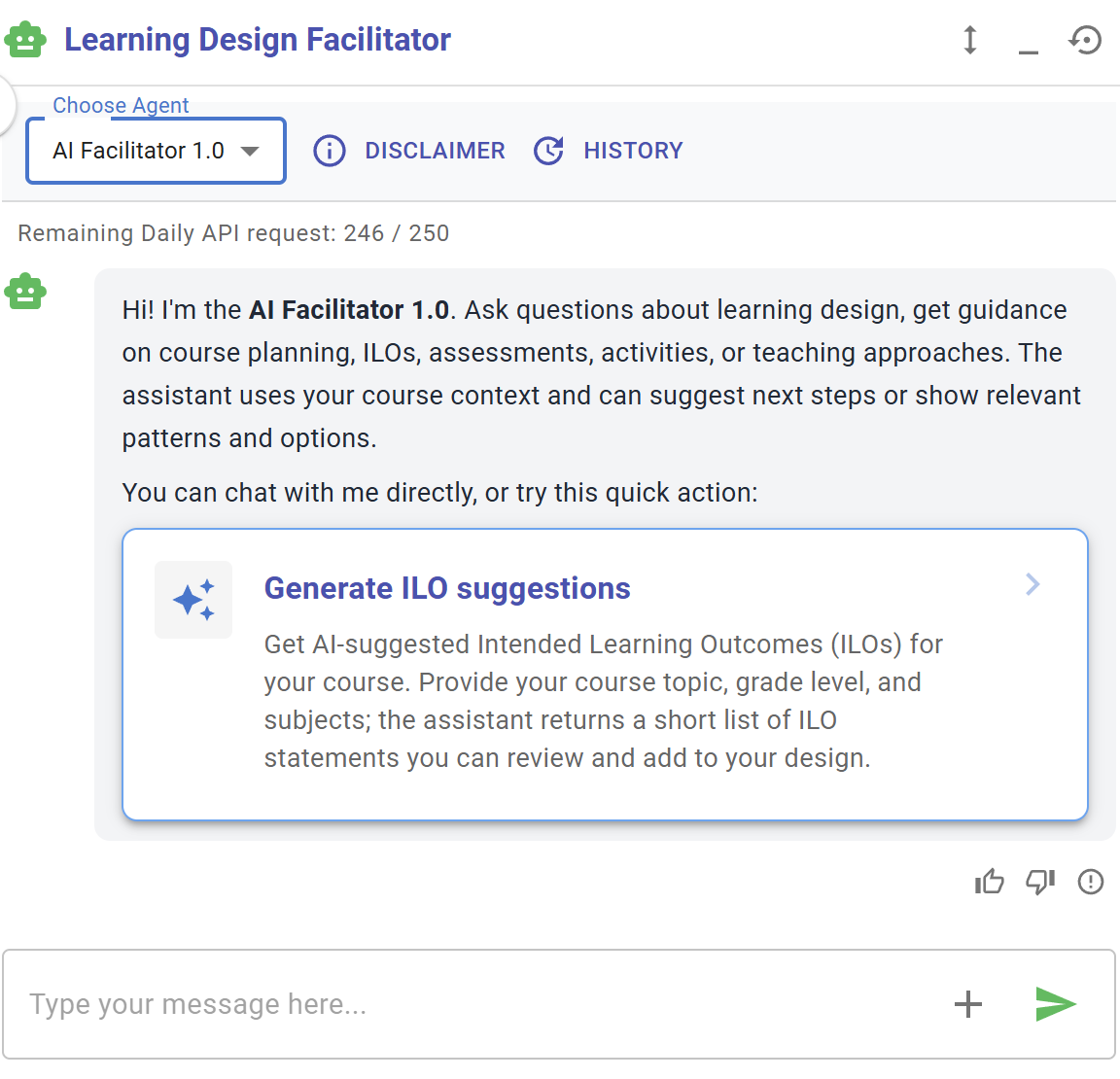
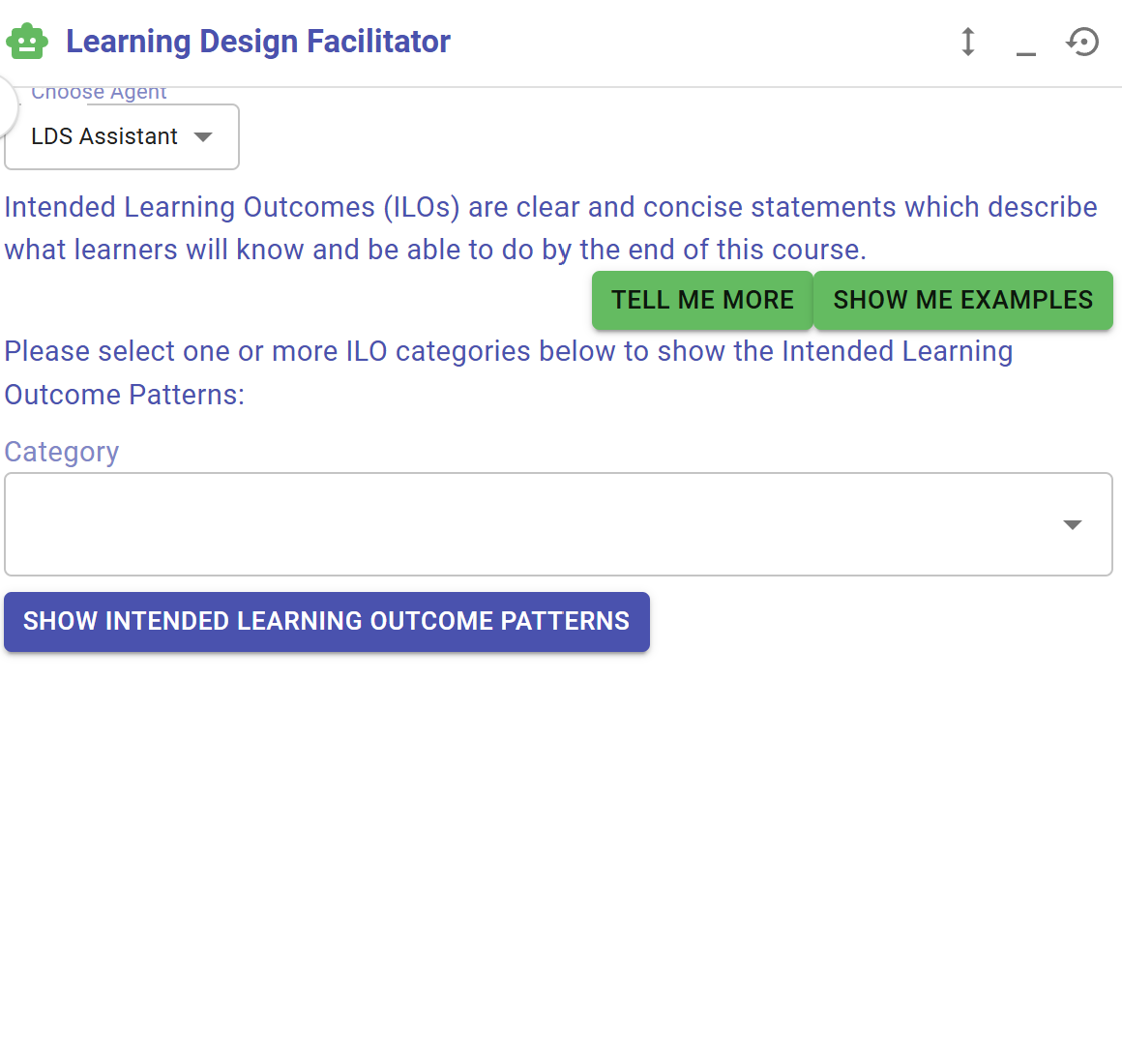
AI Facilitator
The AI Facilitator is an LLM-powered agent that currently serves two main functions: it can 1) act as a chatbot for conversation, and it can 2) provide suggestions and make changes to your current design. It is part of an ongoing development process and will support more features in the future.
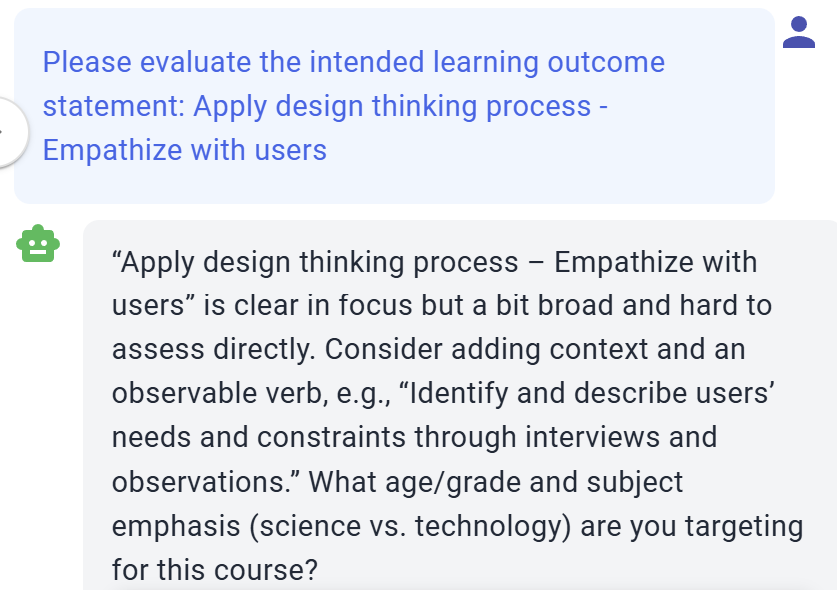
1) Act as a chatbot for conversation
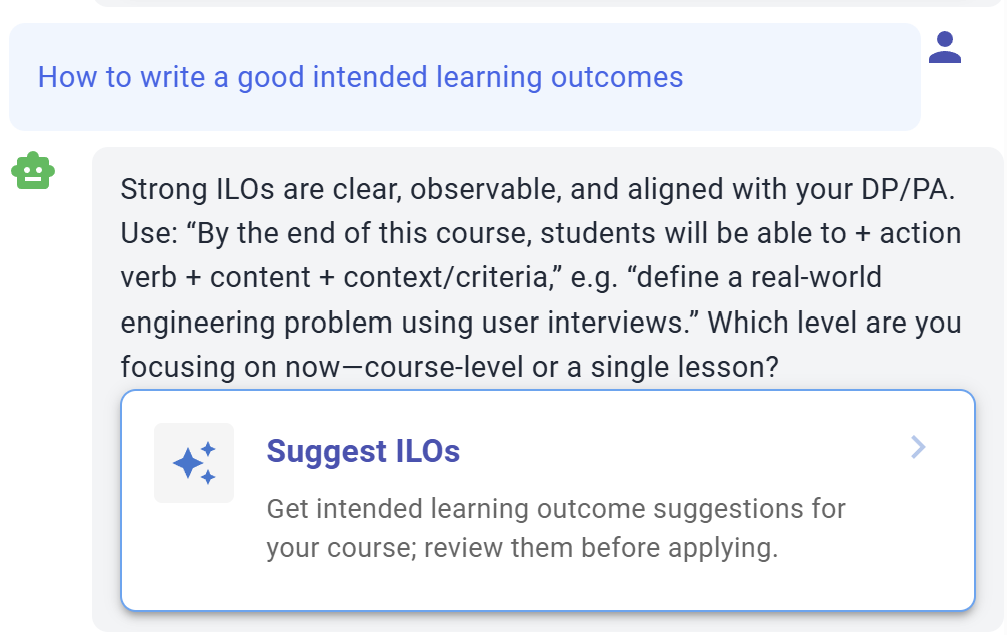
Figure 3.x: Communication with the LDF
2) Provide suggestions and make changes to your current design
suggesting
completelynew
Further details aboutideas, the AILDF Facilitatorcan andalso LDSprovide Assistantfeedback willon beyour current introduced in the upcoming sections.
==============================================================
The table below provides an overview of the LDF's user interface.
|
|

Figure
AI Facilitator

Figure 3.6: Access to Learning Design Facilitator
Sometimes, you may see the  button in different locations, such as next to the Intended Learning Outcomes. Please feel free to click on it to request feedback .
LDS ASSISTANTAssistant
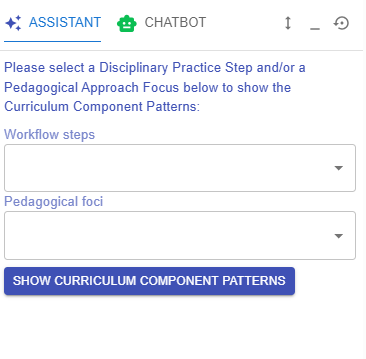
Figure 3.4: Interface of Learning Design Facilitator (1)
When creating a learning design in the LDS, you will work through multiple phases: course level, curriculum component level, and task level. The LDSIDEALS Assistantteam provideshas instructionsdeveloped anda tipsset tailoredof to your current phase and acts as an interface for accessing the LDS Pattern Library, which offers well-definedreusable templates for you to useadopt in eachyour phase.own
The LDS Assistant serves as the main interface for accessing these templates through the LDS Pattern Library.
* Further details about the LDS Pattern Library will be introduced in the next section.