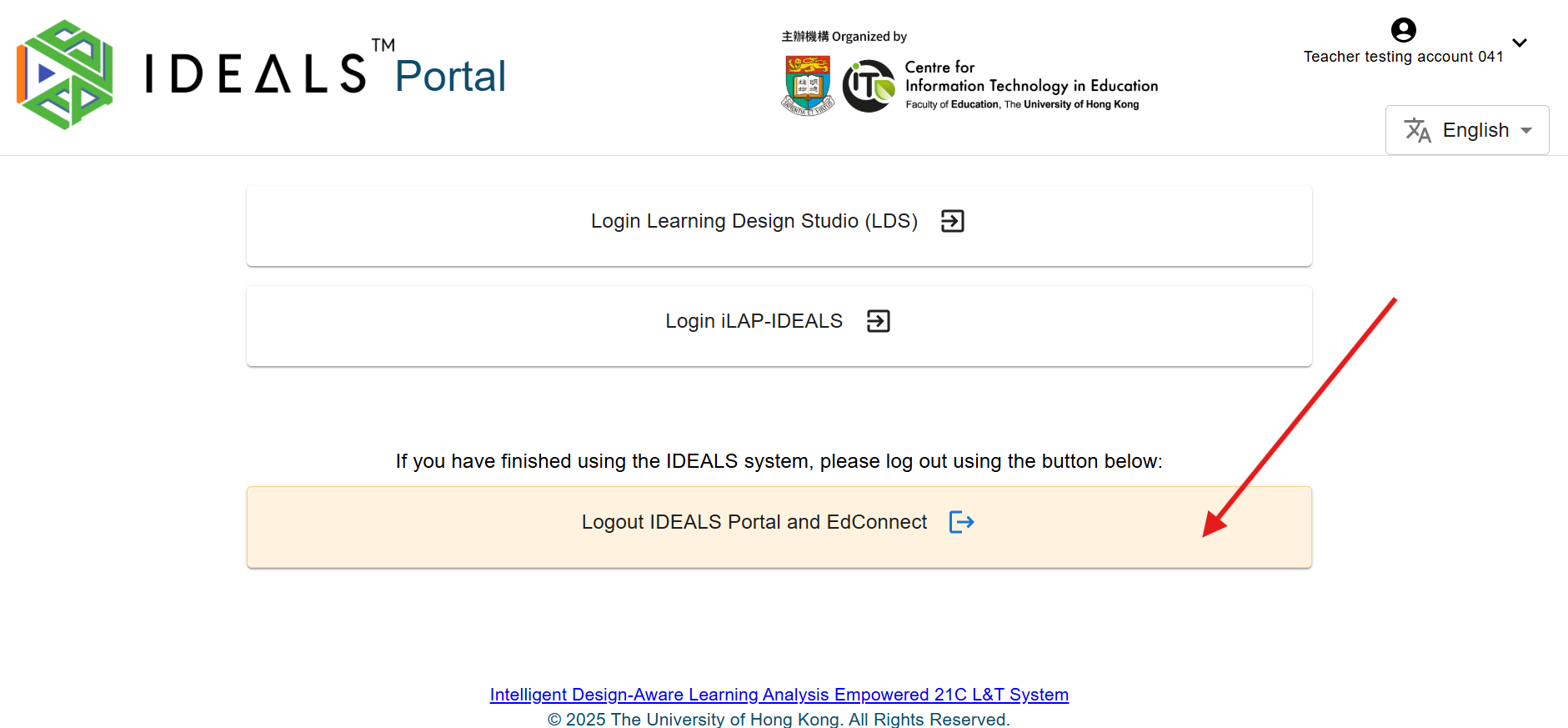
4.1 Logging out of the IDEALS Portal
If you have finished using the IDEALS system, you can log out from both the IDEALS Portal and EdConnect from the Gateway Page. Click the "Logout IDEALS Portal and EdConnect" button to sign out of the portal and end your EdConnect single-sign-on session. After logging out you may be redirected to the EdConnect logout page. For added security, we recommend closing your browser window after logging out, especially when using a shared or public computer.