9. Publishing the Design
9.1 Converting the Learning Design to ILAP
The iLAP is a Learning Management System, part of the IDEALS, that enables you to implement your learning designs created in the Learning Design Studio (LDS). If you wish to use iLAP, please refer to this webpage for subscription information.
In this section, you have already developed a solid learning design with scaffolding using the LDS. You can now convert your learning design into an ready-to-implement course within our Learning Management System, iLAP.
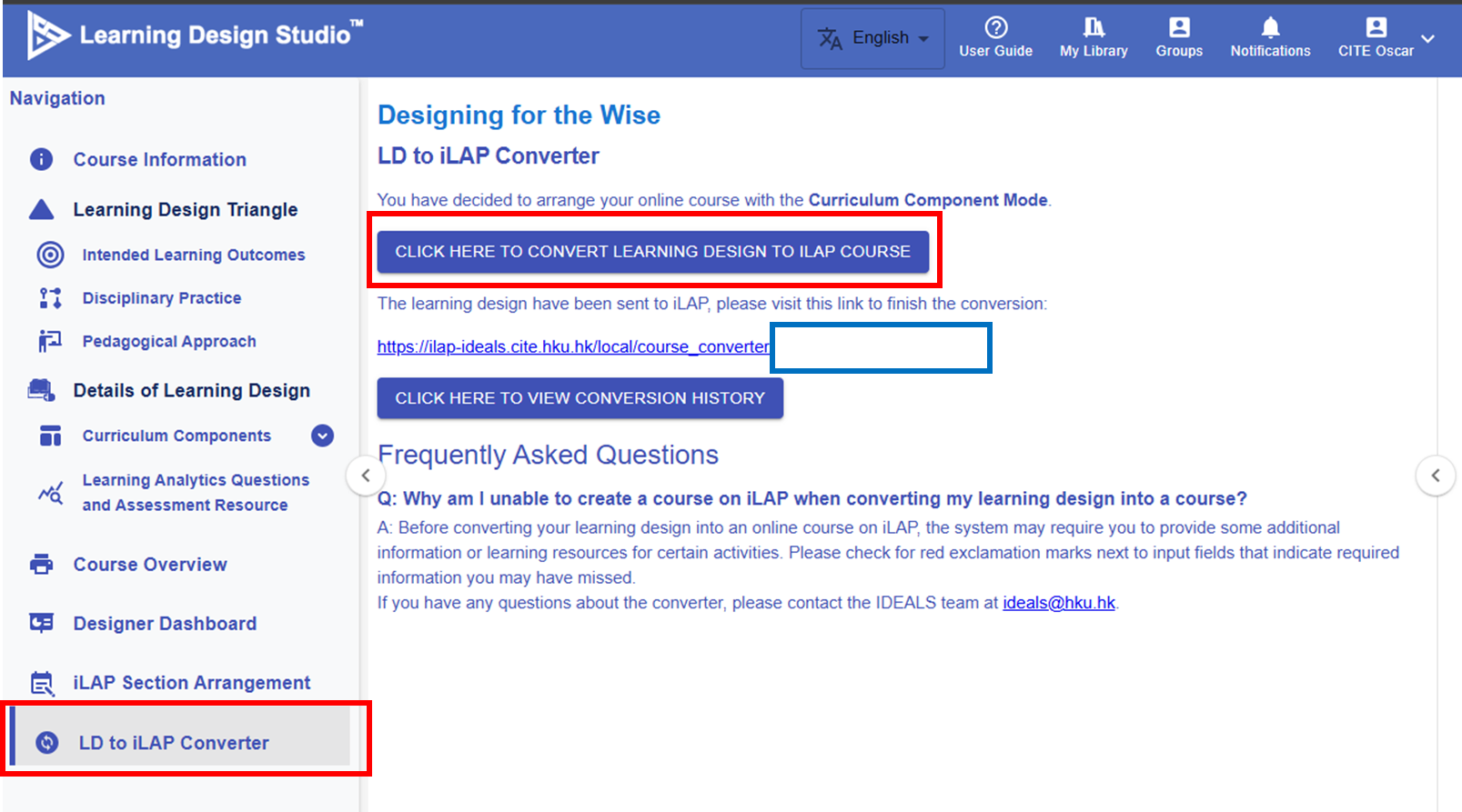 Figure 9.1: LD to ILAP Converter Section
By clicking the "CLICK HERE TO CONVERT TO ILAP COURSE" button, a link will appear, directing you to the iLAP platform where you can proceed with further configuration.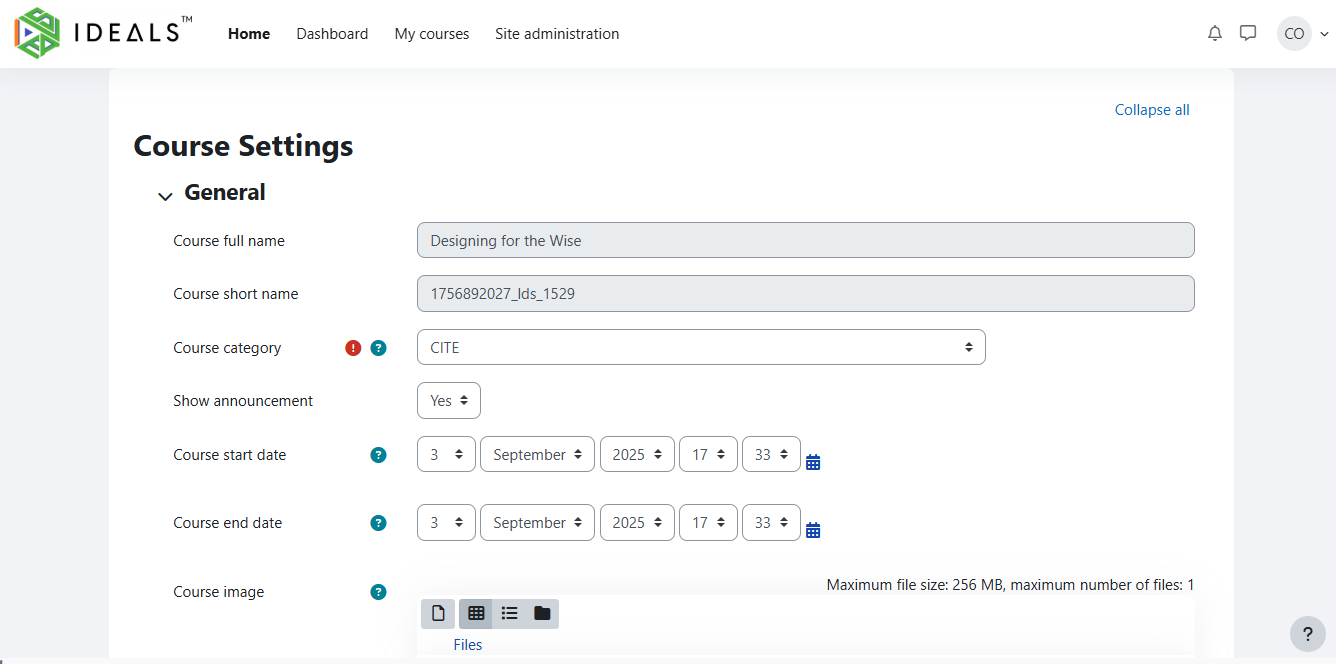
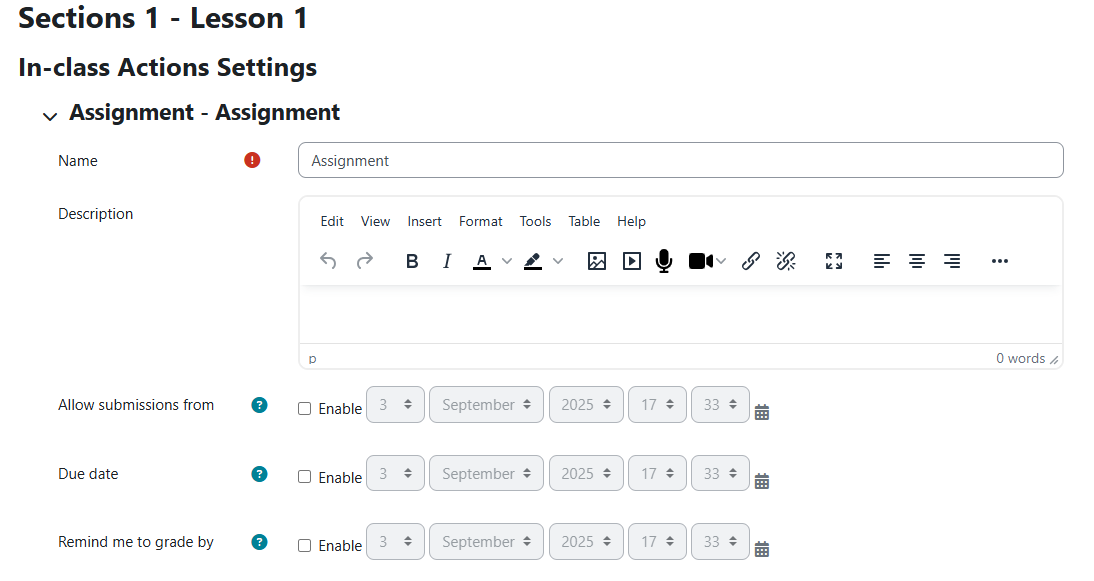

Figure 9.2: Course Configuration on the iLAP
The system will automatically create sections aligned with your learning design. We suggest clicking the "Direct Import" button to create the course first, and then completing the details later.
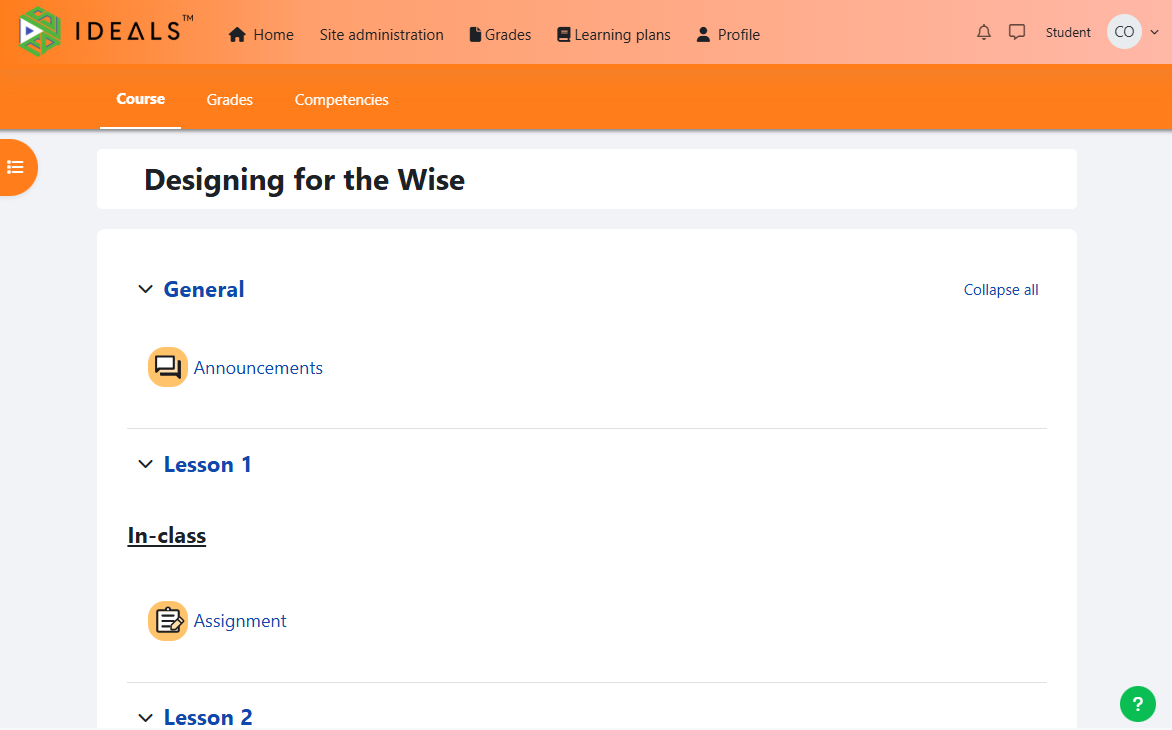
Figure 9.3: The iLAP Course Interface

Figure 9.4: Conversion History
You can find the history record in the LDS after the conversion.
9.2 Exporting and Importing the Design In the LDS
In this section, you will explore how to export and import a learning design in the Learning Design Studio (LDS).
1. Exporting the Design

Figure 9.5 Exporting the Design
By clicking the  button, you can export the design as a ZIP file.
2. Importing the Design

Figure 9.6 Importing the Design
By clicking the "IMPORT COURSE" button, you can upload the ZIP file to the LDS, and you will see the design appear in the list.