# 1. 登入 IDEALS Portal
# 1.1 訪問 IDEALS Portal
請訪問 IDEALS 門戶網站:[https://ideals-portal.cite.hku.hk/](https://ideals-portal.cite.hku.hk/)
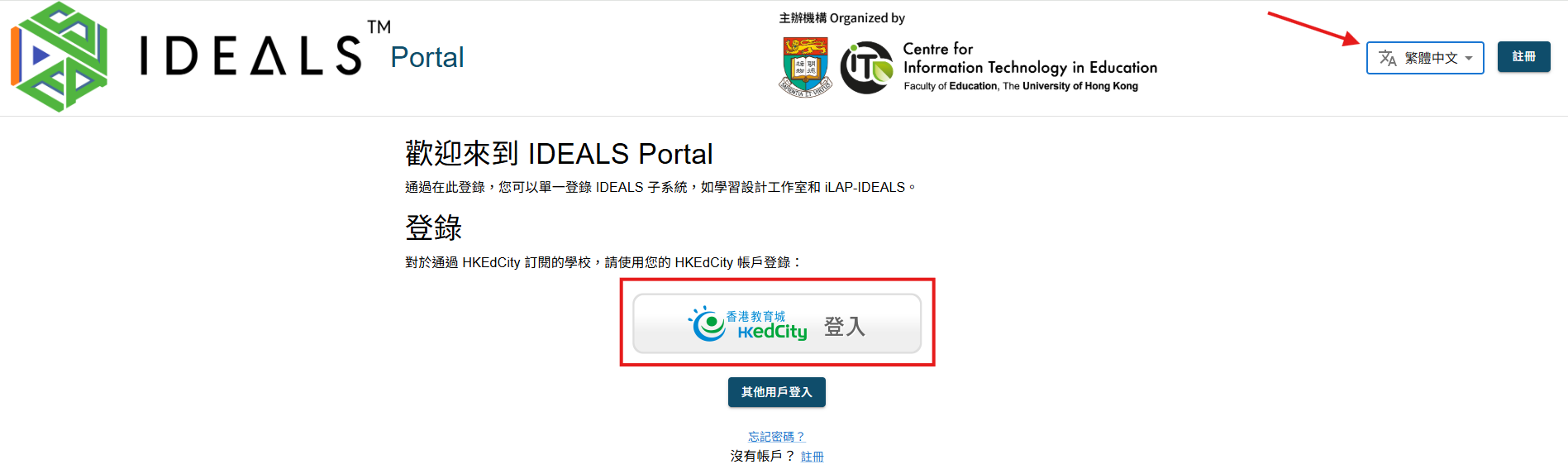
這是主頁。
對於已訂閱「IDEALS 系統」的學校用戶,只有第一個「**香港教育城 登入**」按鈕才適用。
您可以切換語言至英文、繁體中文或簡體中文。
[](https://ideals-doc.cite.hku.hk/uploads/images/gallery/2026-07/ylQimage.png)
# 1.2 使用您的 EdCity 帳戶登入
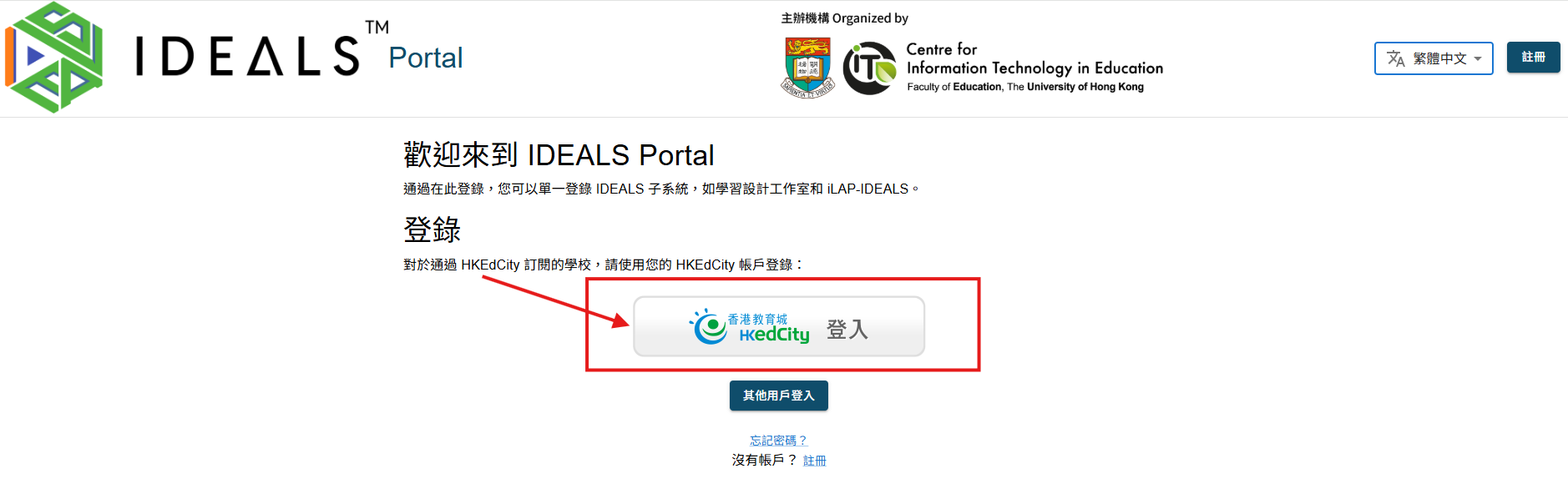
在 IDEALS Portal 網站的主頁上,點擊**「香港教育城 登入」按鈕**。
[](https://ideals-doc.cite.hku.hk/uploads/images/gallery/2026-07/U8rimage.png)
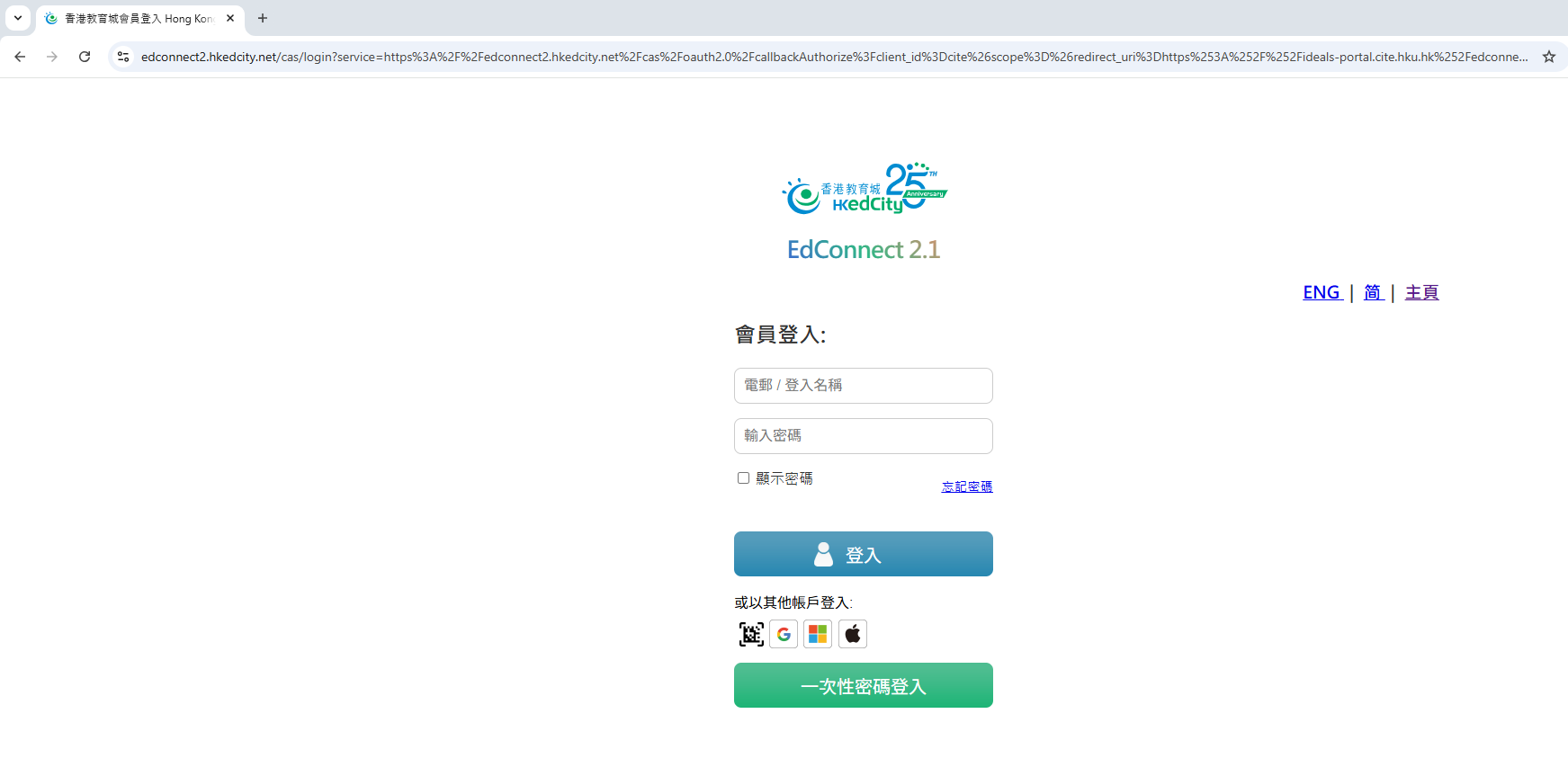
系統將把您重定向到 香港教育城的 EdConnect 登入頁面。
請確保使用您本人或學校管理員已在EdCity 註冊的EdCity 帳戶進行登入。
[](https://ideals-doc.cite.hku.hk/uploads/images/gallery/2025-08/OdOimage.png)
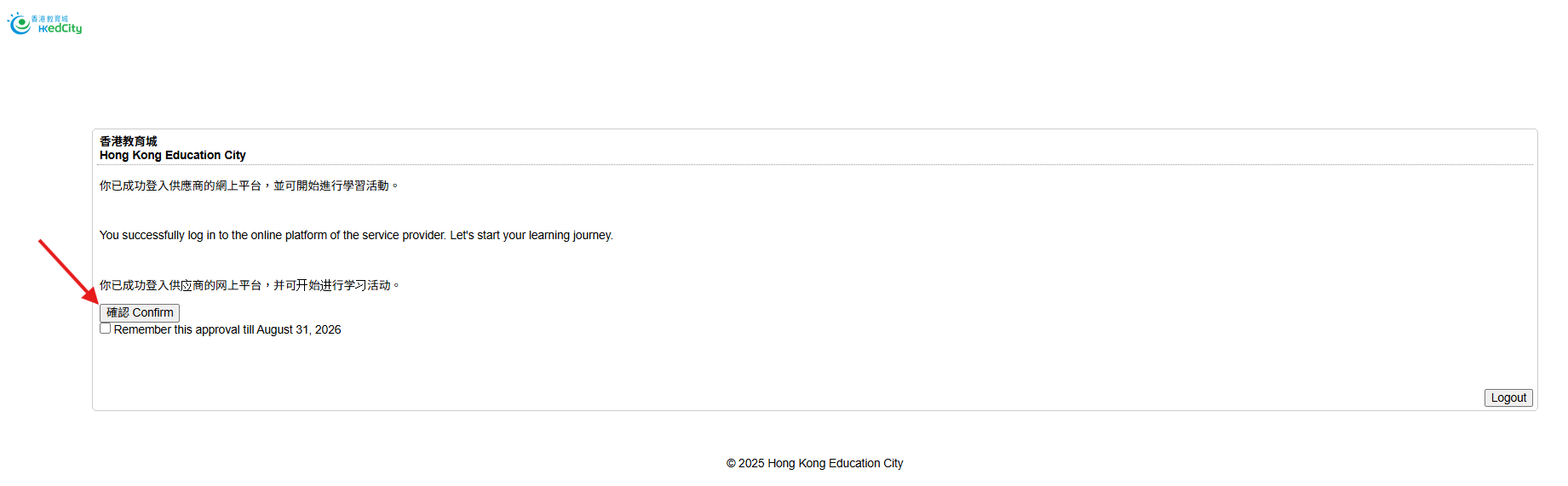
在您使用 EdConnect 登入後,系統將會將您重定向到一個授權同意頁面。請點擊**「確認(Confirm)」按鈕**,以繼續進行下一步操作。
[](https://ideals-doc.cite.hku.hk/uploads/images/gallery/2025-08/PTbimage.png)
# 1.3 驗證您作為教師的電子郵件帳戶
如果您不是 EdCity 的教師,可以跳過此步驟。
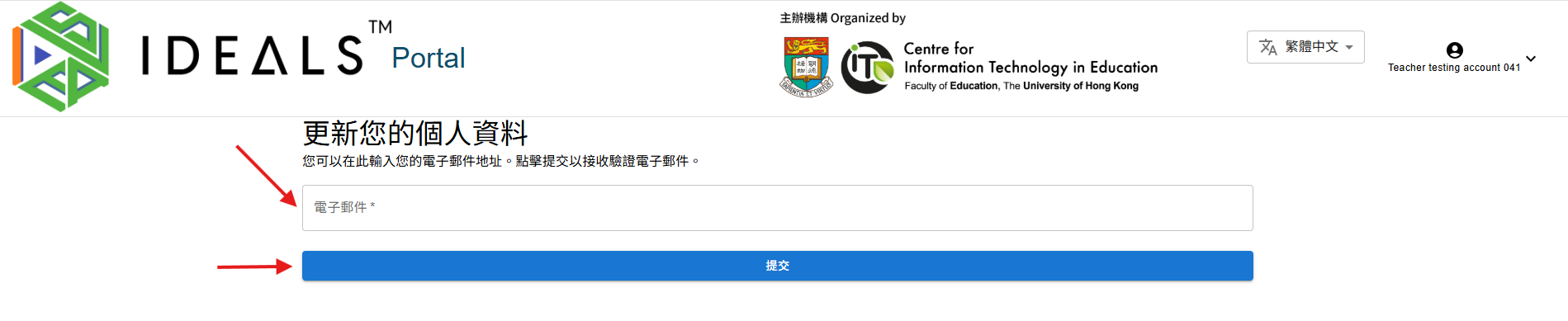
如果您是 EdCity 的教師,系統會將您重定向到「編輯個人資料」頁面,以驗證您的電子郵件。由於所有 IDEALS 子系統都需要經過驗證的電子郵件,且 EdData 目前未向服務提供者提供教師的電子郵件地址,因此此步驟是必要的。
[](https://ideals-doc.cite.hku.hk/uploads/images/gallery/2025-08/UqZimage.png)
請仔細輸入您的電子郵件地址,因為您將收到一封驗證郵件。
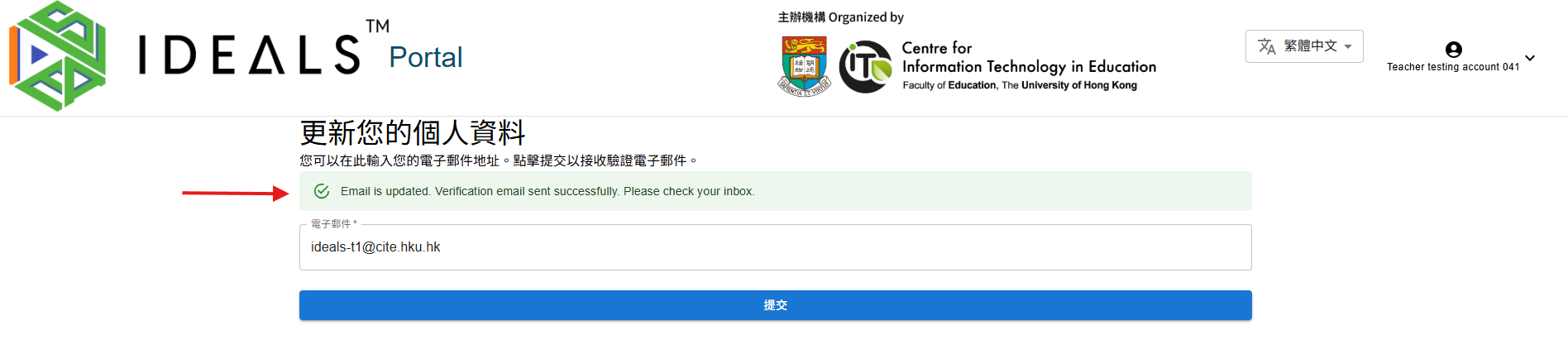
點擊**「提交」按鈕**,即會收到驗證郵件。系統會顯示一則確認訊息,表示郵件已成功發送。
[](https://ideals-doc.cite.hku.hk/uploads/images/gallery/2025-08/L2timage.png)
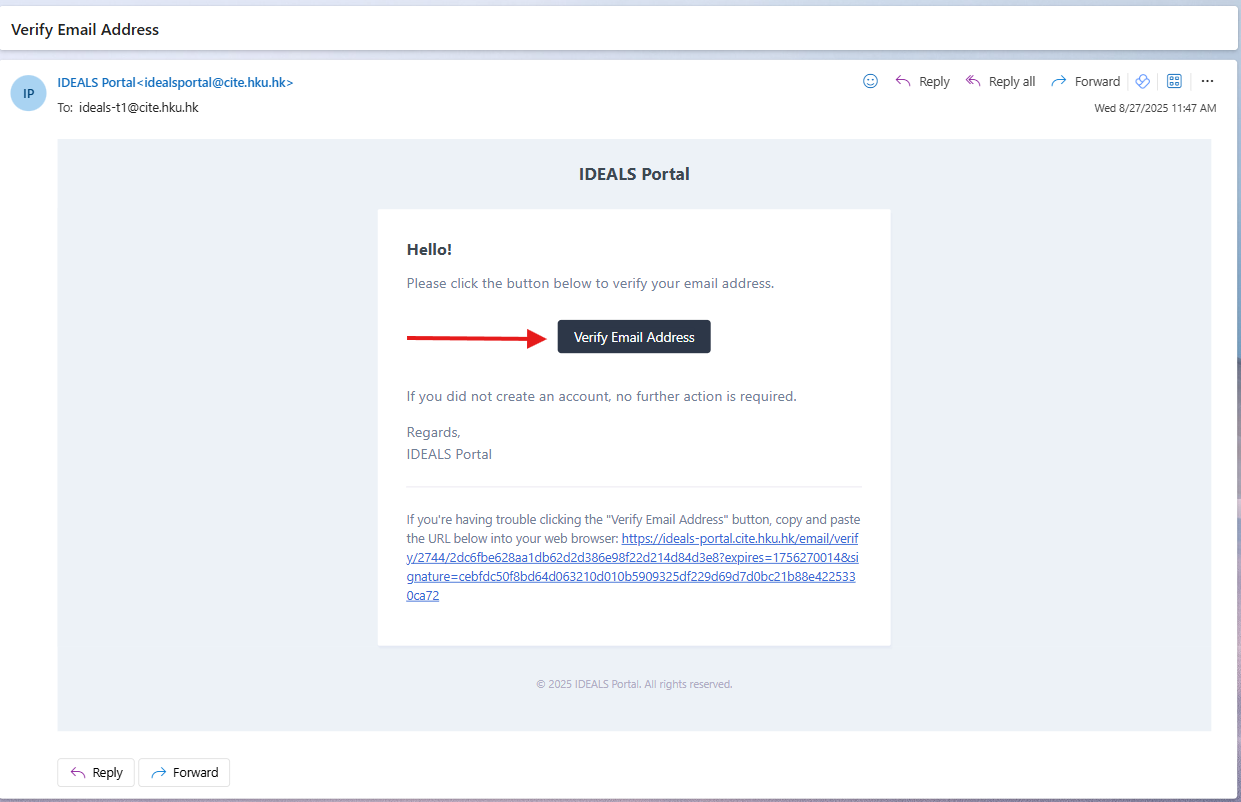
請等待2至3分鐘,然後檢查您的電子郵件收件箱,找到來自 IDEALS 門戶的驗證郵件。點擊郵件中的**驗證連結**。
[](https://ideals-doc.cite.hku.hk/uploads/images/gallery/2025-08/Etyimage.png)
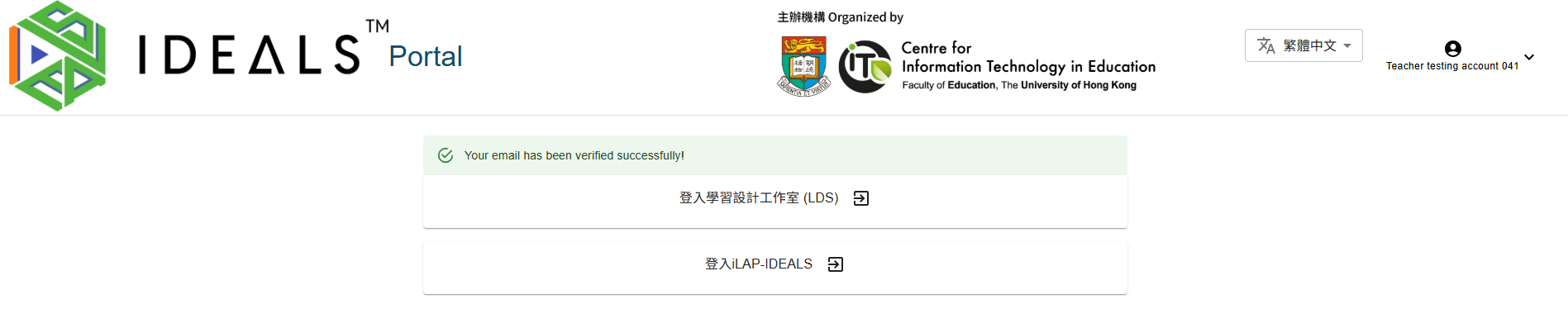
驗證完成後,您將被導向閘道頁面,該頁面會顯示兩個登入按鈕。請保持在此頁面,並繼續進行下一步。
[](https://ideals-doc.cite.hku.hk/uploads/images/gallery/2025-08/r0Gimage.png)
# 1.4 瀏覽閘道頁面
完成電郵驗證後,您將被重定向至此頁面。
[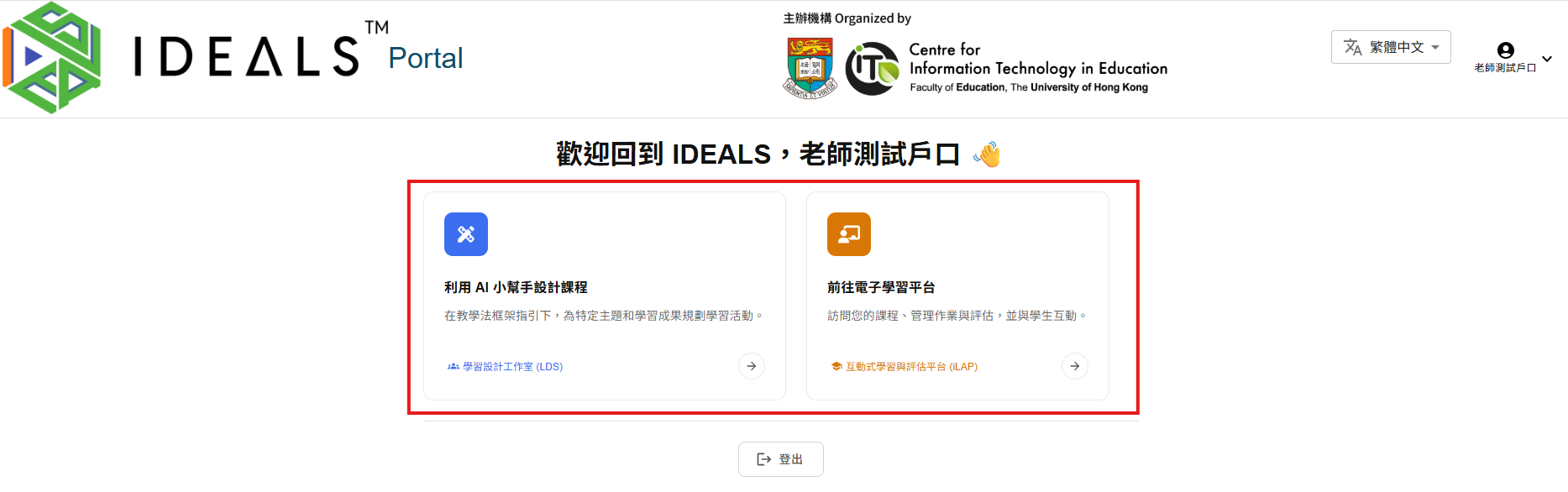](https://ideals-doc.cite.hku.hk/uploads/images/gallery/2026-07/7xtimage.png)
如果您是 EdCity 教師且尚未驗證電郵,您將無法訪問此頁面。請先完成步驟 1.3。
### 教師用戶
在閘道頁面上,您將看到兩個選項以訪問不同平台:
1. **利用 AI 小幫手設計課程**(藍色圖示)
- 說明:「在教學法框架指引下,為特定主題和學習成果規劃學習活動。」
- 點擊此卡片或\*\*「學習設計工作室 (LDS)」\*\*連結以訪問 LDS
2. **前往電子學習平台**(橙色圖示)
- 說明:「訪問您的課程、管理作業與評估,並與學生互動。」
- 點擊此卡片或\*\*「互動學習與評估平台 (iLAP)」\*\*連結以訪問 iLAP-IDEALS
### 學生用戶
如果您是 EdCity 學生,您將只看到\*\*「前往電子學習平台」\*\*選項以訪問 iLAP-IDEALS。
請停留在這個畫面並繼續下一步。
**注意:** 登入會話將於 1 天後過期,您需要重新登入。