# 1. Logging into the IDEALS Portal
# 1.1 Accessing the IDEALS Portal
Visit the IDEALS Portal: [https://ideals-portal.cite.hku.hk/](https://ideals-portal.cite.hku.hk/)
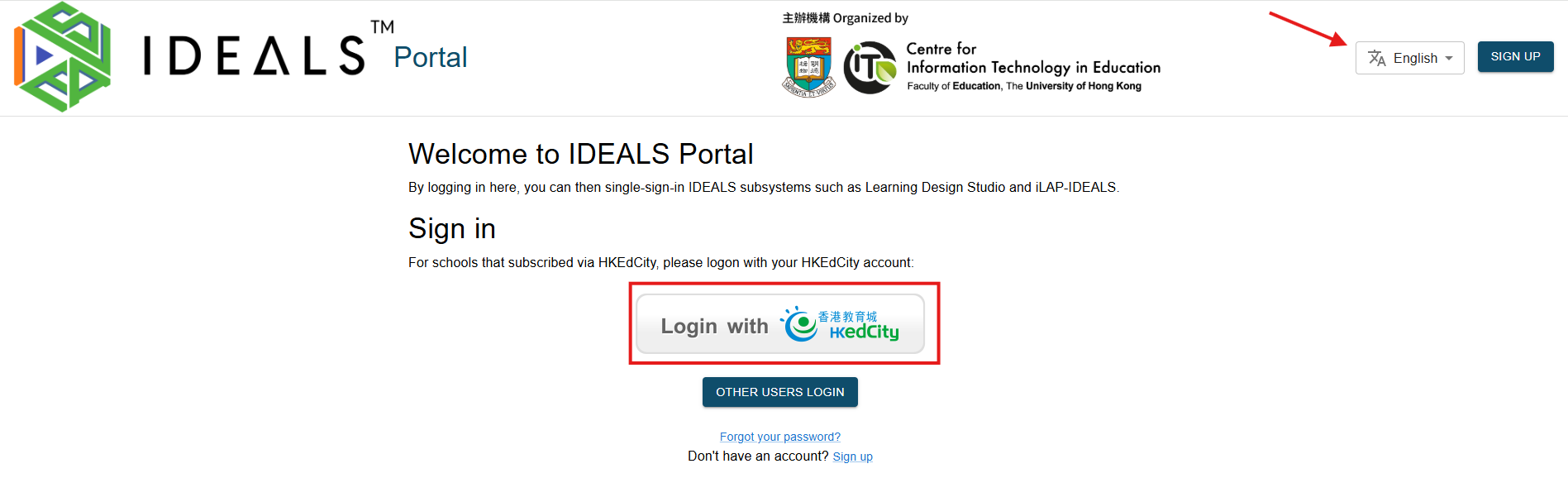
This is the Home Page.
For users in schools that have subscribed to the IDEALS System, only the first **"Login with HKedCity" button** is relevant.
You can switch the language to English, Traditional Chinese, or Simplified Chinese.
[](https://ideals-doc.cite.hku.hk/uploads/images/gallery/2026-07/lh7image.png)
# 1.2 Login with your HKEdCity account
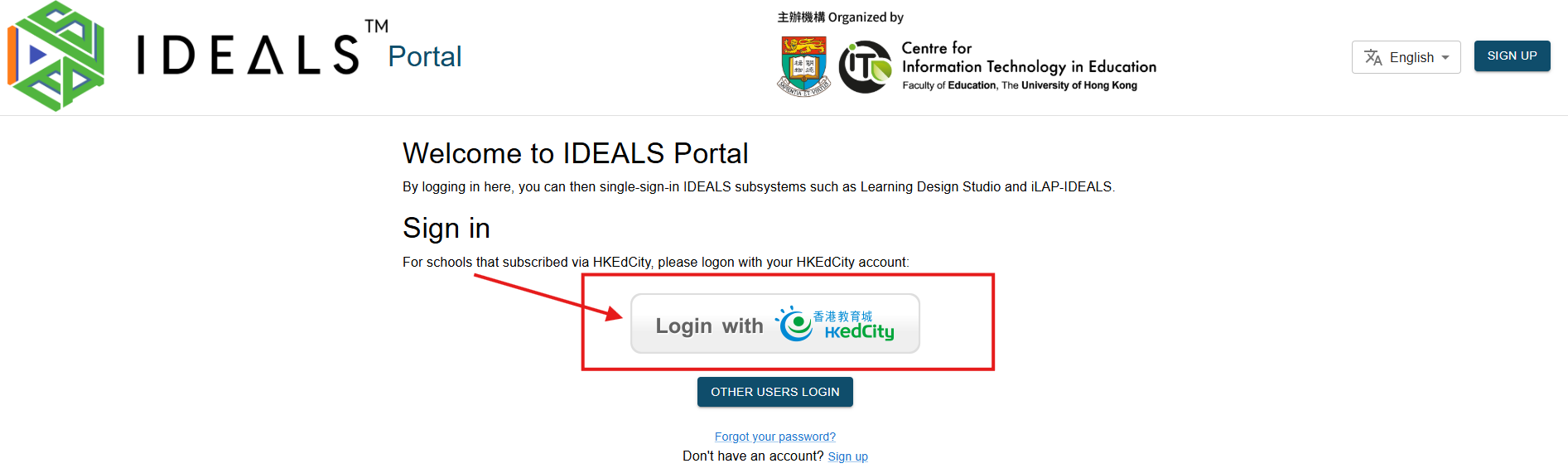
On the Home Page of the IDEALS Portal, click the **"Login with HKedCity" button**.
[](https://ideals-doc.cite.hku.hk/uploads/images/gallery/2026-07/ZVlimage.png)
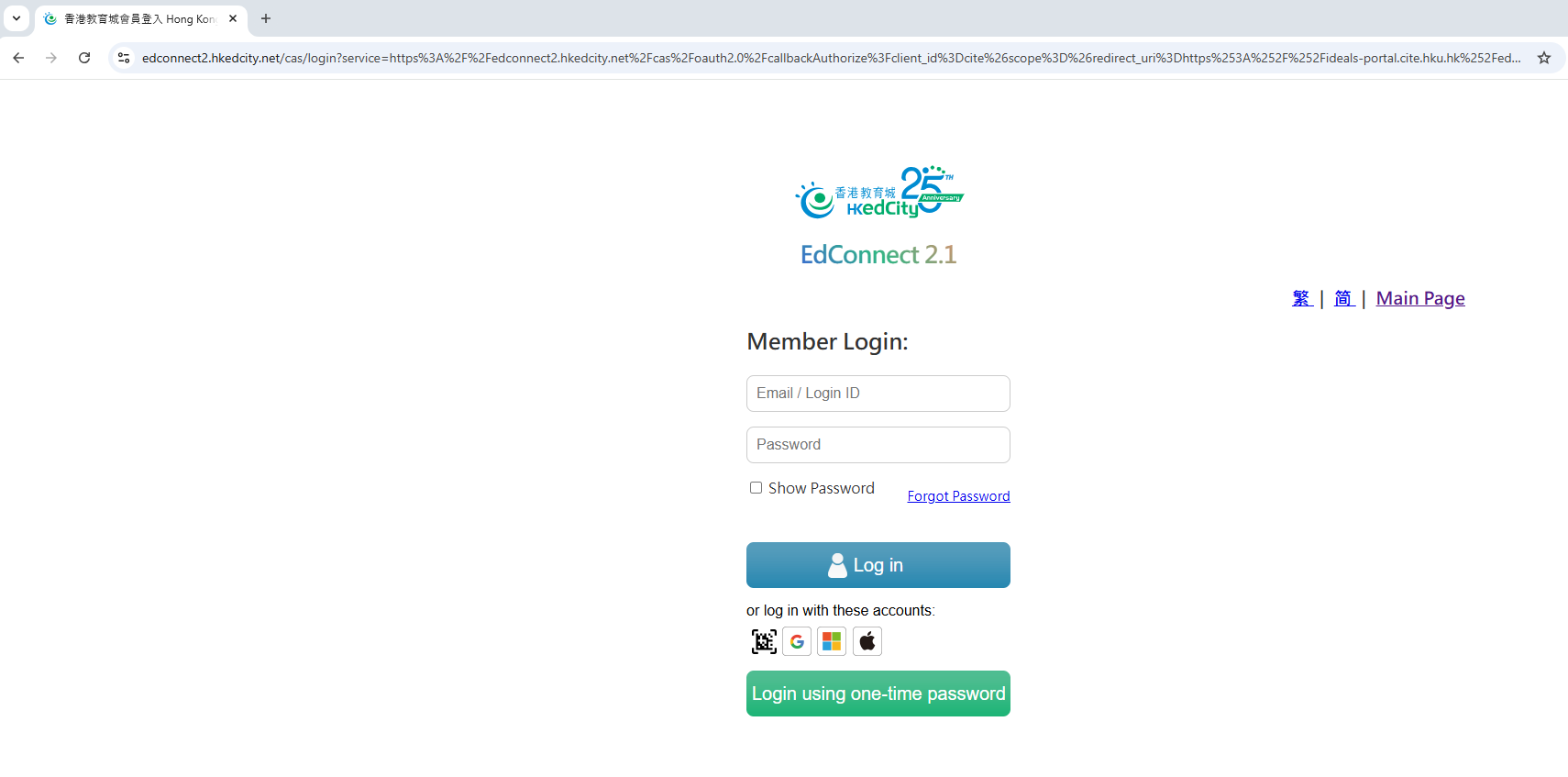
You will be redirected to the EdConnect Login Page by HKedCity.
Ensure you log in with the HKedCity account that you or your school administrator have registered with HKedCity.
[](https://ideals-doc.cite.hku.hk/uploads/images/gallery/2025-08/qtVimage.png)
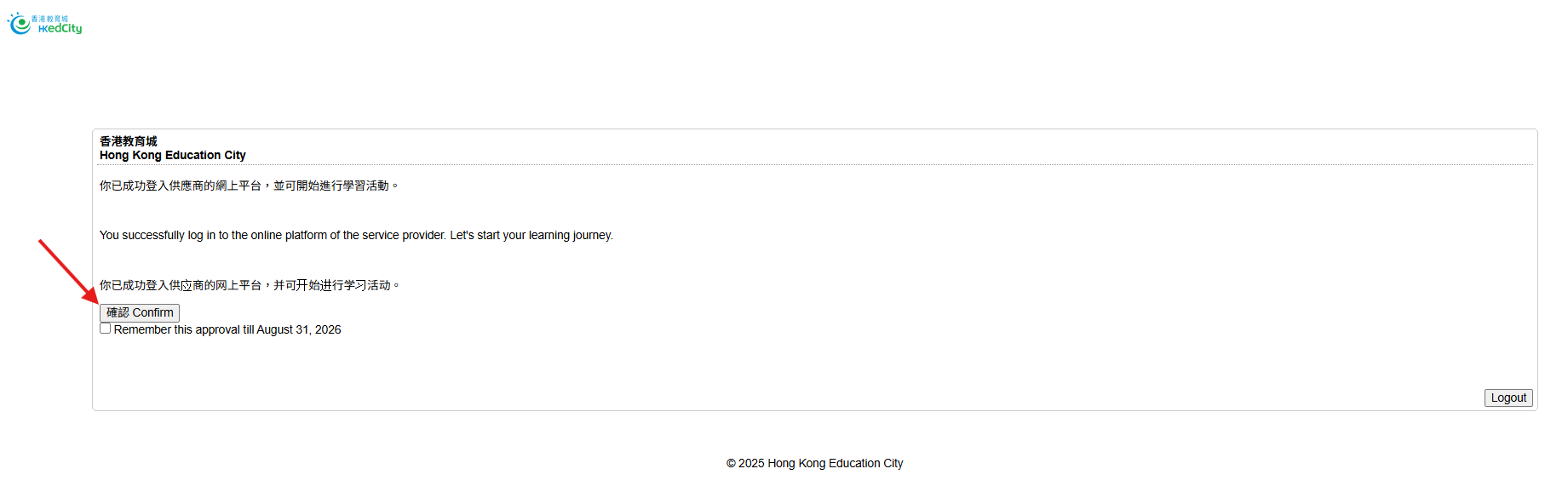
When you log in using EdConnect, the system will redirect you to an authorization consent page. Please click the **"Confirm" button** to proceed with the next steps.
[](https://ideals-doc.cite.hku.hk/uploads/images/gallery/2025-08/NHMimage.png)
# 1.3 Verifying Your Account as a Teacher by email
Skip this step if you are not a teacher at EdCity.
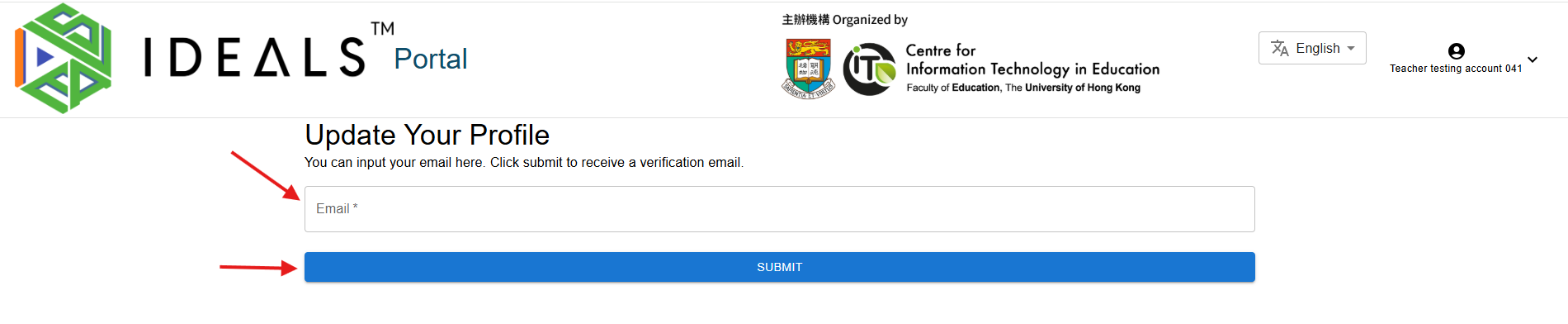
If you are a teacher at EdCity, you will be redirected to the "Edit Profile" page to verify your email. This step is necessary because all IDEALS sub-systems require a verified email, and EdData currently does not provide teachers' email addresses to service providers.
[](https://ideals-doc.cite.hku.hk/uploads/images/gallery/2025-08/kkBimage.png)
Enter your email address carefully, as you will receive a verification email.
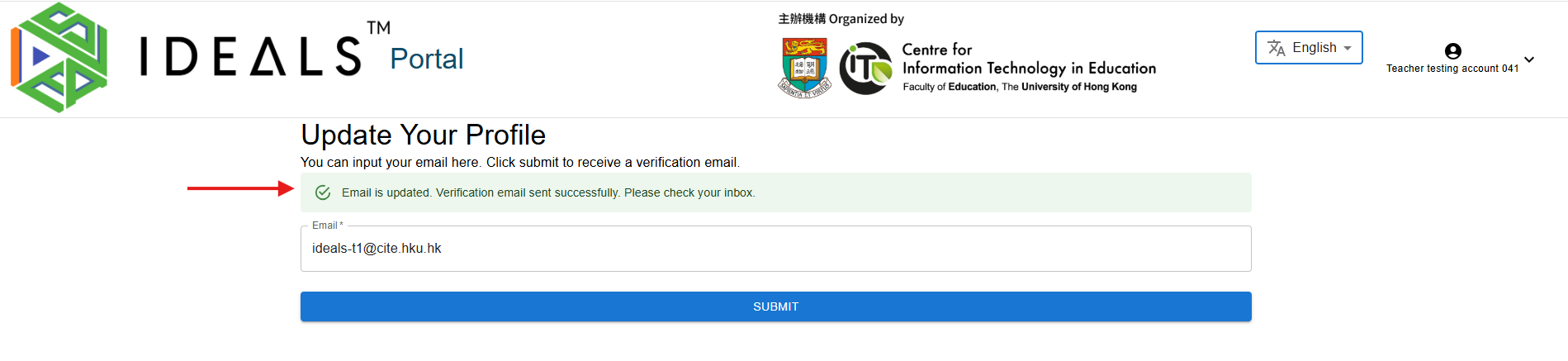
Click **"Submit"** to receive the verification email. A confirmation message will appear indicating the email has been sent successfully.
[](https://ideals-doc.cite.hku.hk/uploads/images/gallery/2025-08/Ygrimage.png)
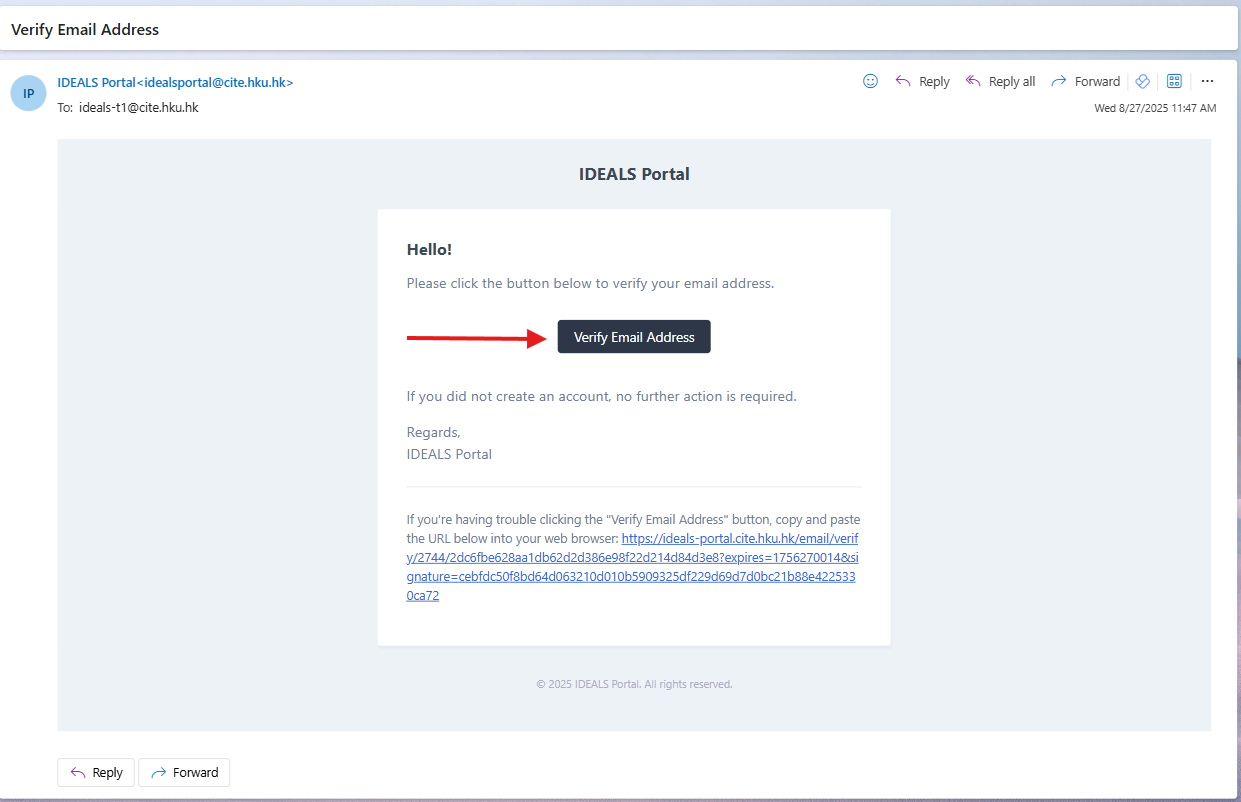
Wait 2–3 minutes, then check your email inbox for the verification email from the IDEALS Portal. Click the **verification link** in the email.
[](https://ideals-doc.cite.hku.hk/uploads/images/gallery/2025-08/2muimage.png)
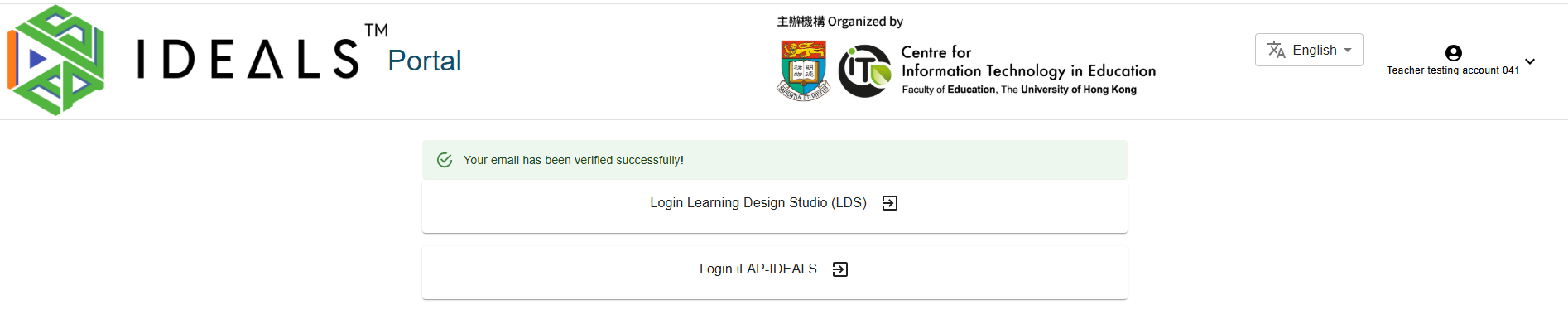
You should then be directed to the Gateway Page, where you'll see two login buttons. Stay on this screen and proceed to the next step.
[](https://ideals-doc.cite.hku.hk/uploads/images/gallery/2025-08/Jimimage.png)
# 1.4 Navigating the Gateway Page
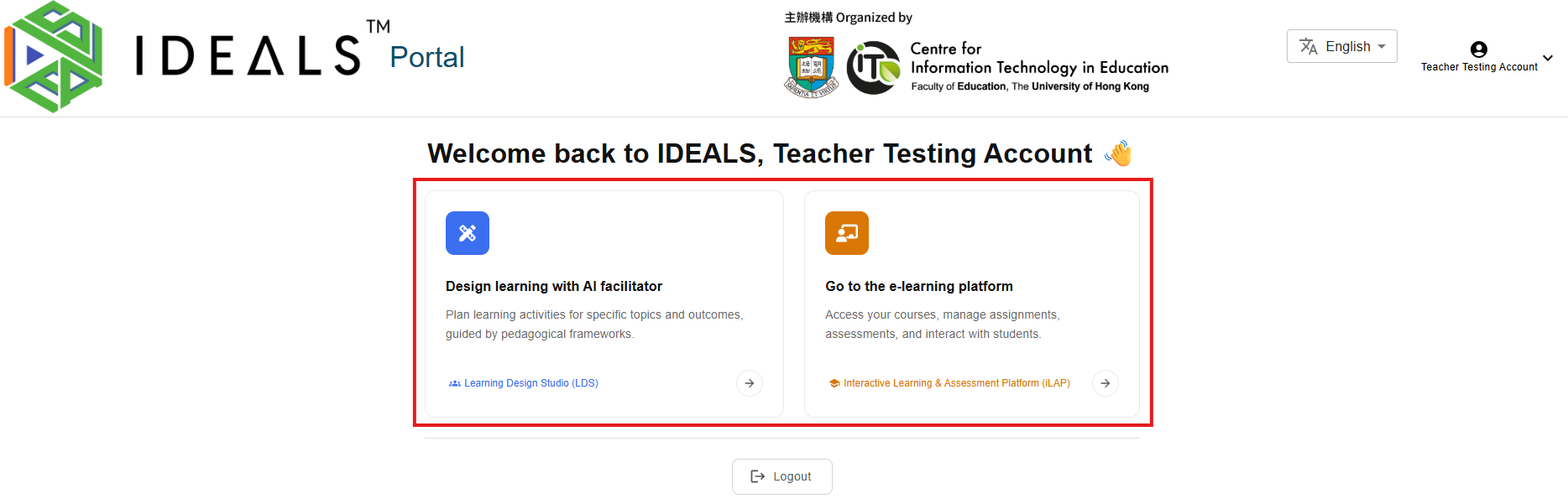
After completing email verification, you'll be redirected to the IDEALS Portal Gateway Page. You'll see a welcome message: **"Welcome back to IDEALS, \[Your Name\] 👋"**
[](https://ideals-doc.cite.hku.hk/uploads/images/gallery/2026-07/tjVimage.png)
If you're a teacher at EdCity and haven't verified your email, you will not be able to access this page. Please complete step 1.3 first.
### For Teachers
On the Gateway Page, you will see two options to access different platforms:
1. **Design learning with AI facilitator** (Blue icon)
- Description: "Plan learning activities for specific topics and outcomes, guided by pedagogical frameworks."
- Click this card or the **"Learning Design Studio (LDS)"** link to access LDS
2. **Go to the e-learning platform** (Orange icon)
- Description: "Access your courses, manage assignments, assessments, and interact with students."
- Click this card or the **"Interactive Learning & Assessment Platform (iLAP)"** link to access iLAP-IDEALS
### For Students
If you're a student at EdCity, you will see only the **"Go to the e-learning platform"** option to access iLAP-IDEALS.
Stay on this screen and continue to the next step.
**Note:** The login session expires after 1 day, and you'll need to log in again.